View As
View the portal as a different role to test Row Level Security (RLS) and permissions.
Super Admins and Admins can use the "View As" feature to see the portal as a different role. This is useful for testing Row Level Security (RLS) and verifying that users with different roles see the correct data and pages.
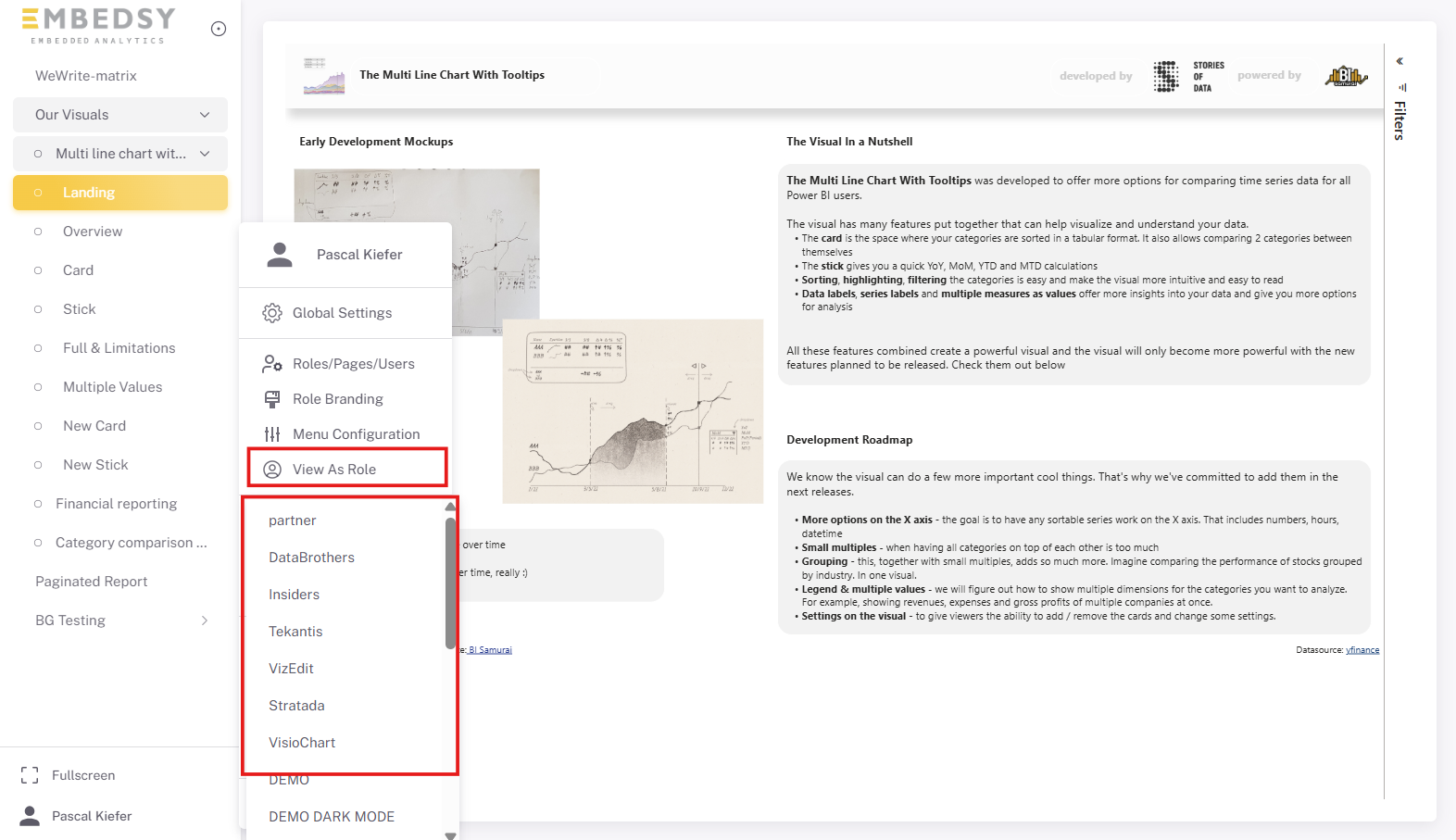
Select a role from the dropdown to switch your view. The portal will reload and display only the pages and data that the selected role has access to. To return to your normal view, select your original role or refresh the page.