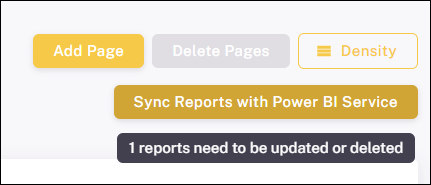
Sync
Synchronize your ProConomics Portal with the Power BI Service.
The Sync feature allows you to synchronize the ProConomics Portal with the Power BI Service. This ensures that any new reports, renamed reports, or deleted reports are reflected in the portal.
How Sync Works
Click the "Sync" button to start the synchronization process. The portal will connect to the Power BI Service and detect changes.
New Reports Detected
When new reports are found in the Power BI workspace, they will be listed for you to add to the portal.
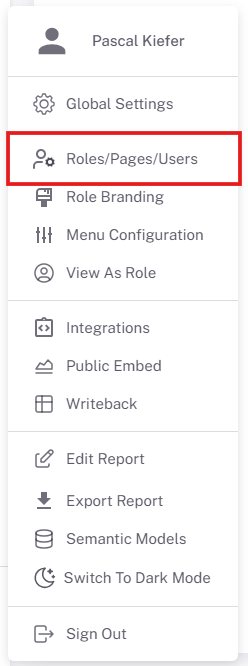
Renamed Reports
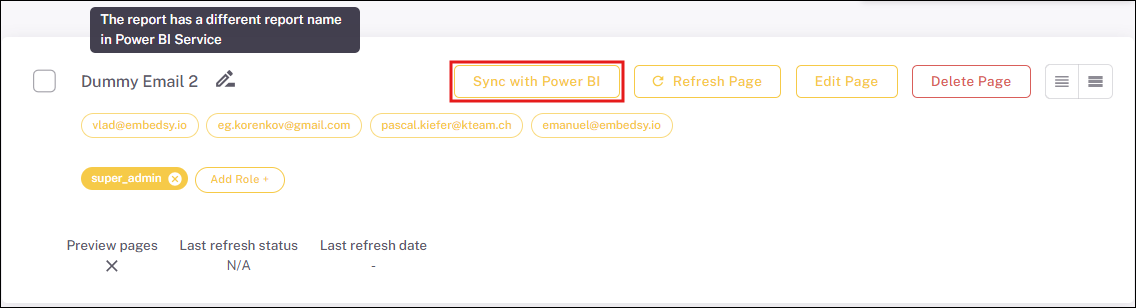
If a report has been renamed in the Power BI Service, the sync will detect this and update the name in the portal.
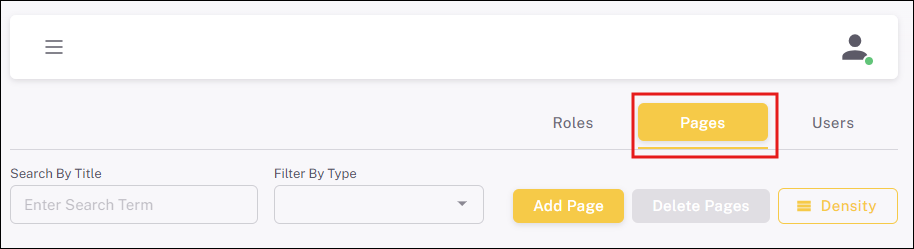
Deleted Reports
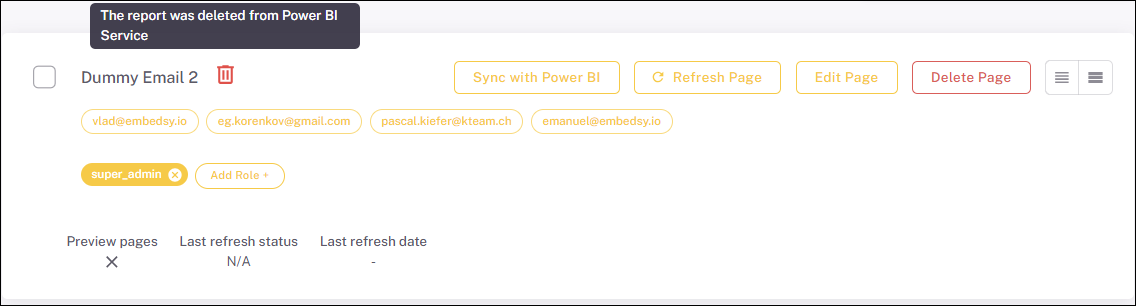
If a report has been deleted from the Power BI Service, the sync will detect this and offer to remove it from the portal.
Sync Complete
Once the sync is complete, your portal is up to date with the Power BI Service.