Integrations
Set up integrations with external services like Slack and Gmail using Nango.
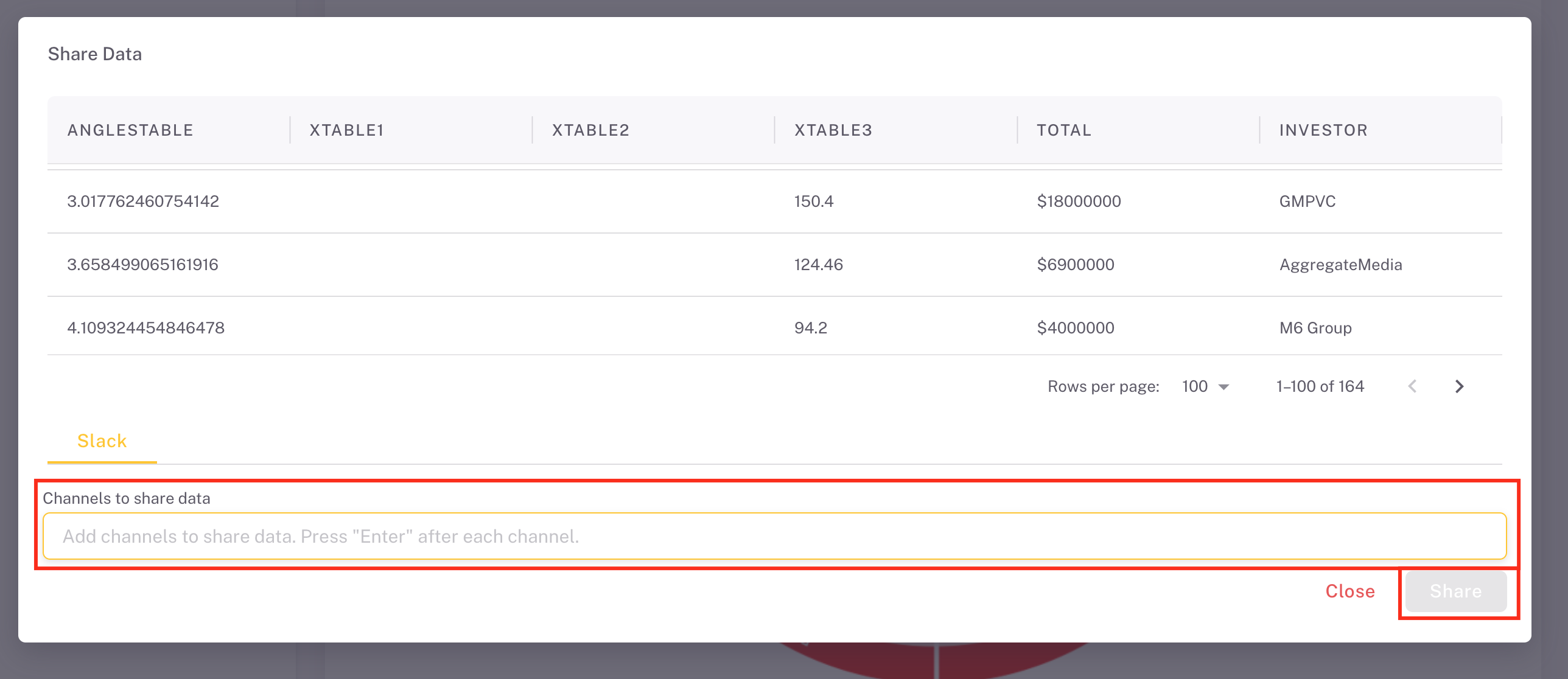
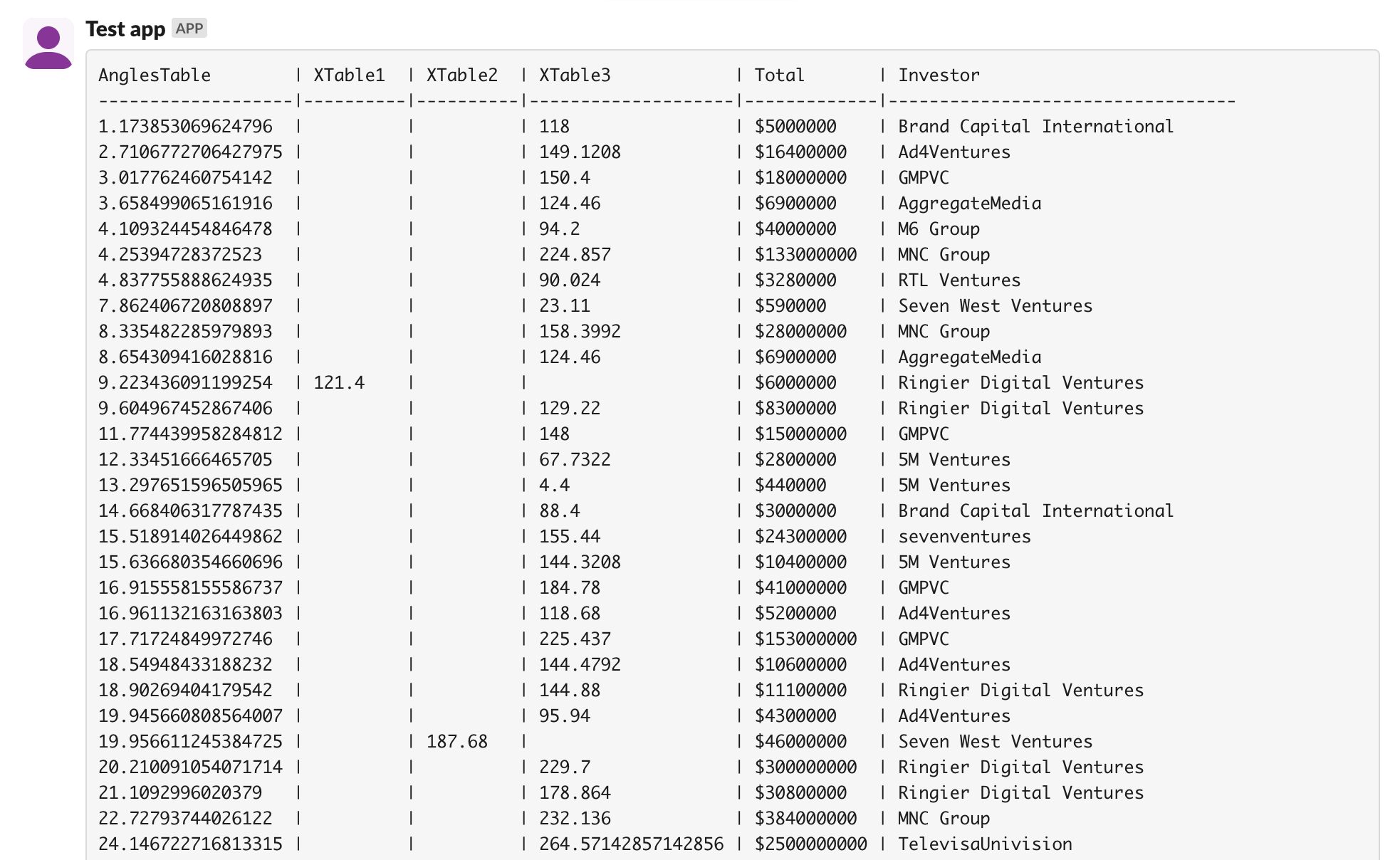
The ProConomics Portal supports integrations with external services through Nango. This allows you to connect services like Slack and Gmail to send notifications and alerts.
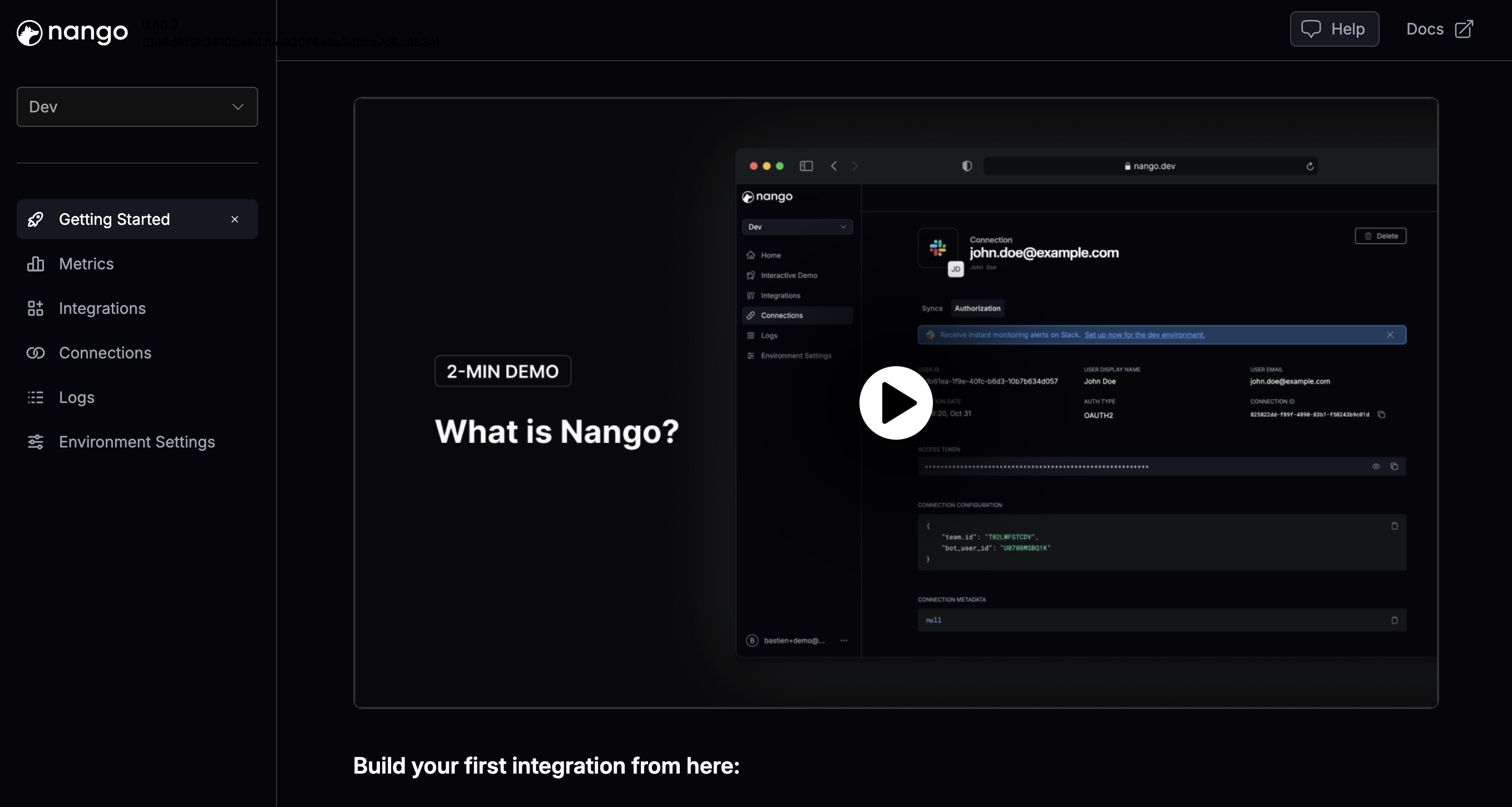
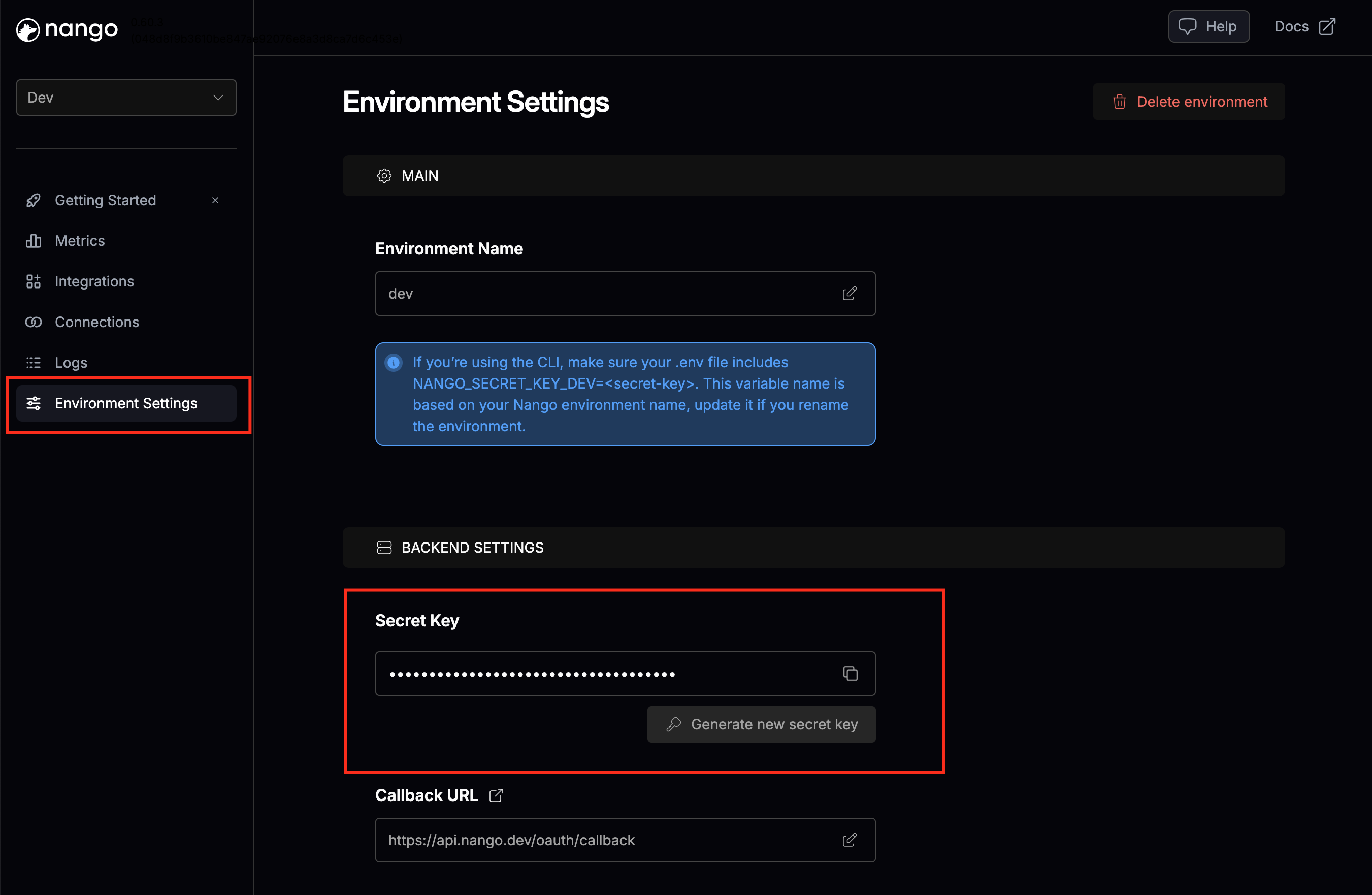
Step 2 - Get Your API Key
From the Nango dashboard, copy your API key.
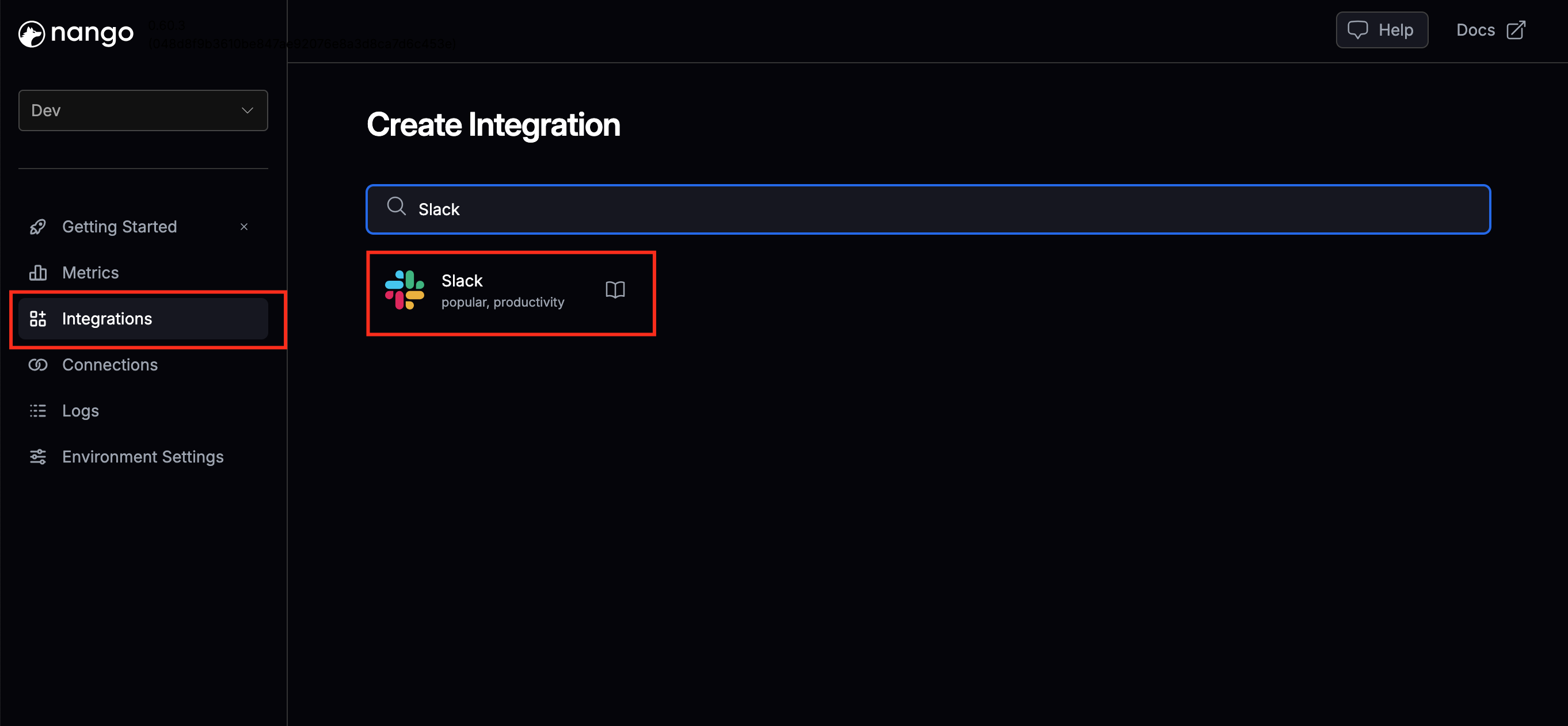
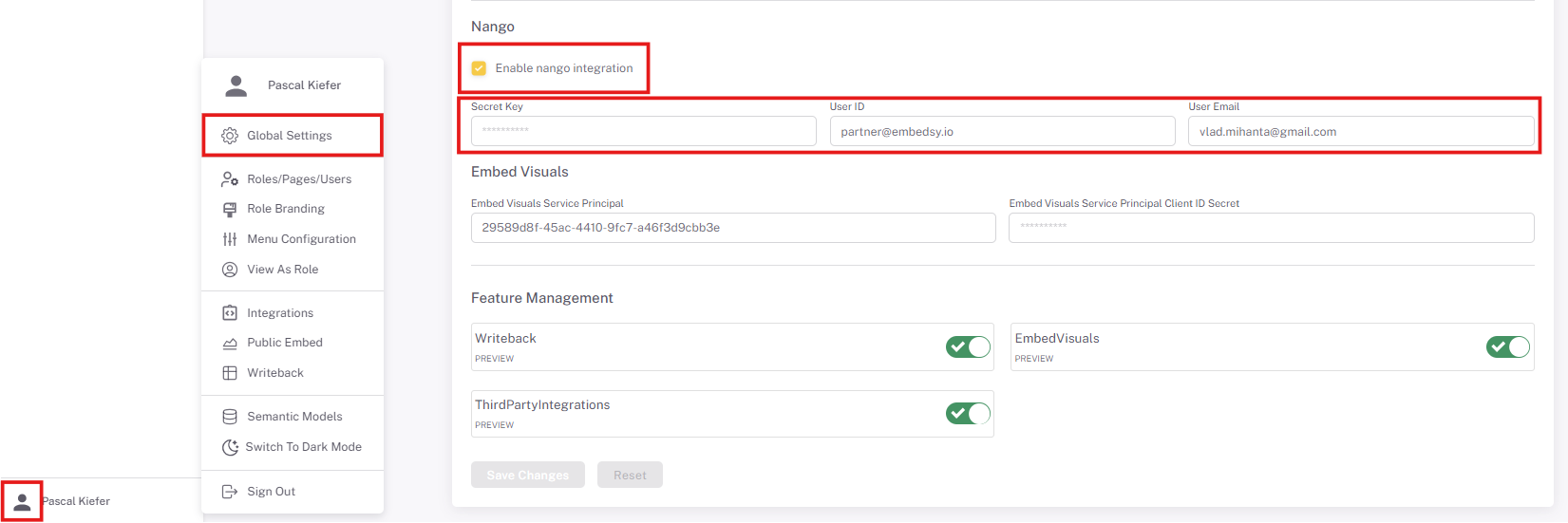
Step 3 - Configure in ProConomics
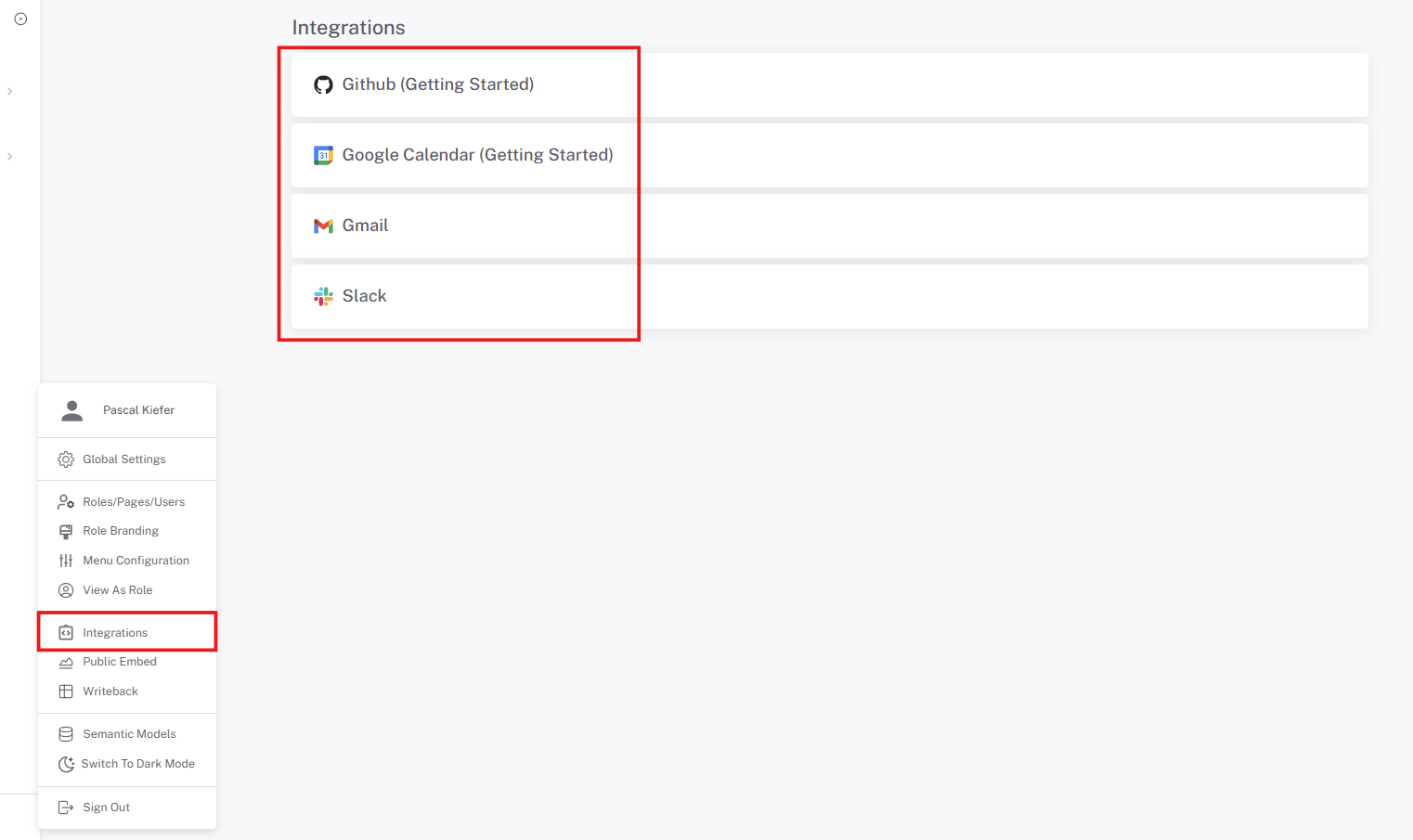
Navigate to the Integrations section in the ProConomics Portal admin and enter your Nango API key.
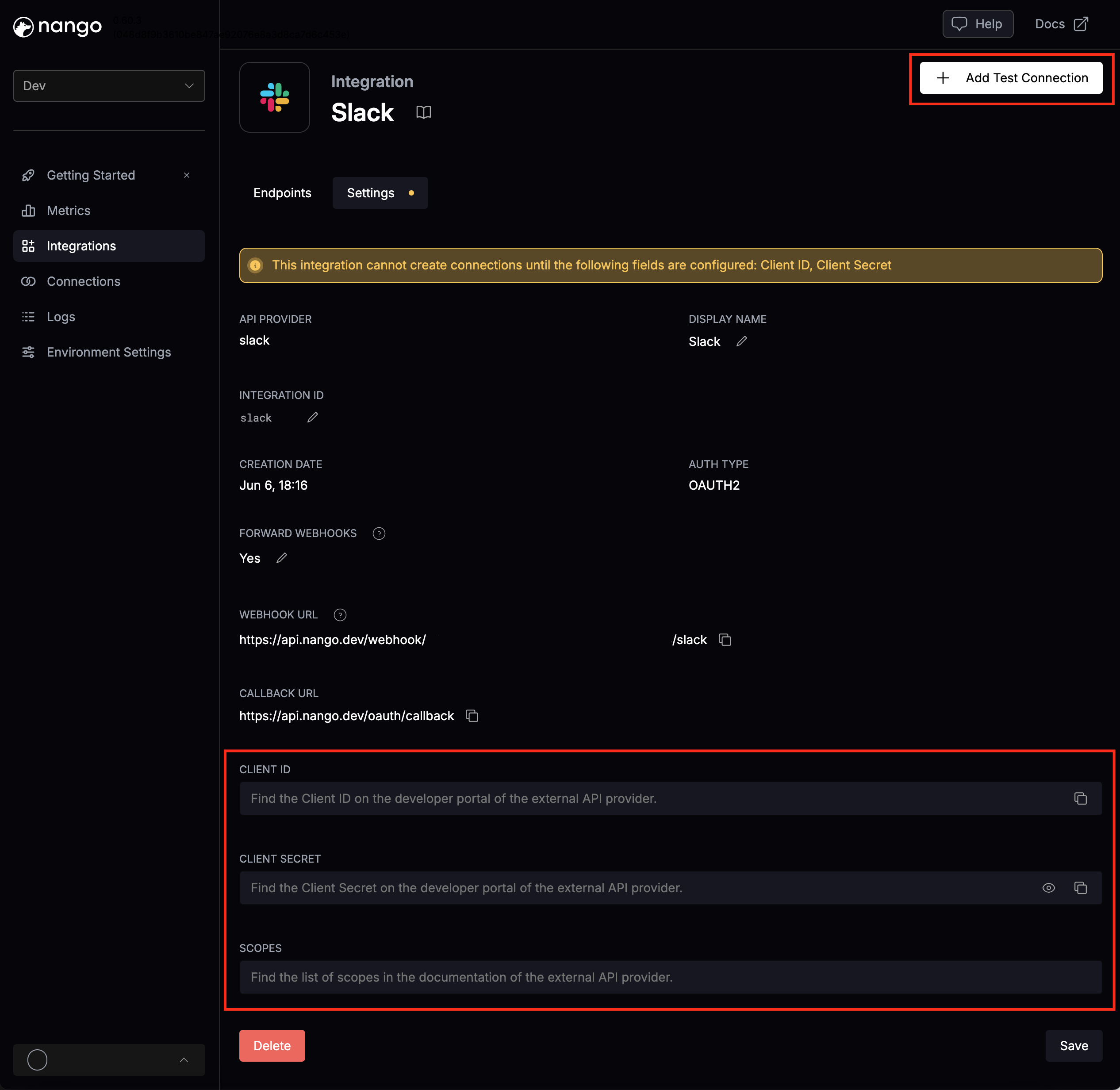
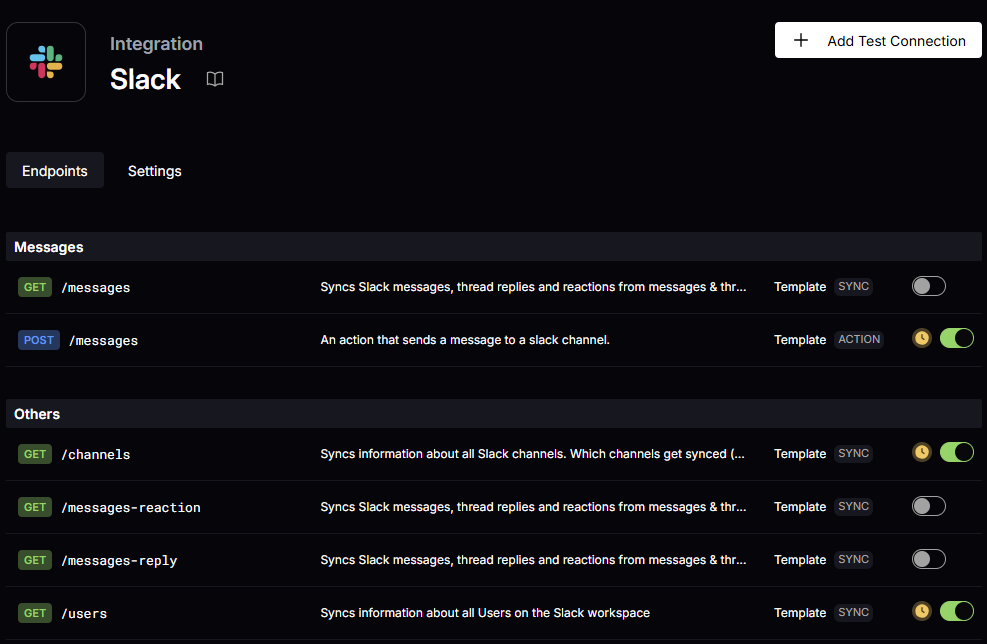
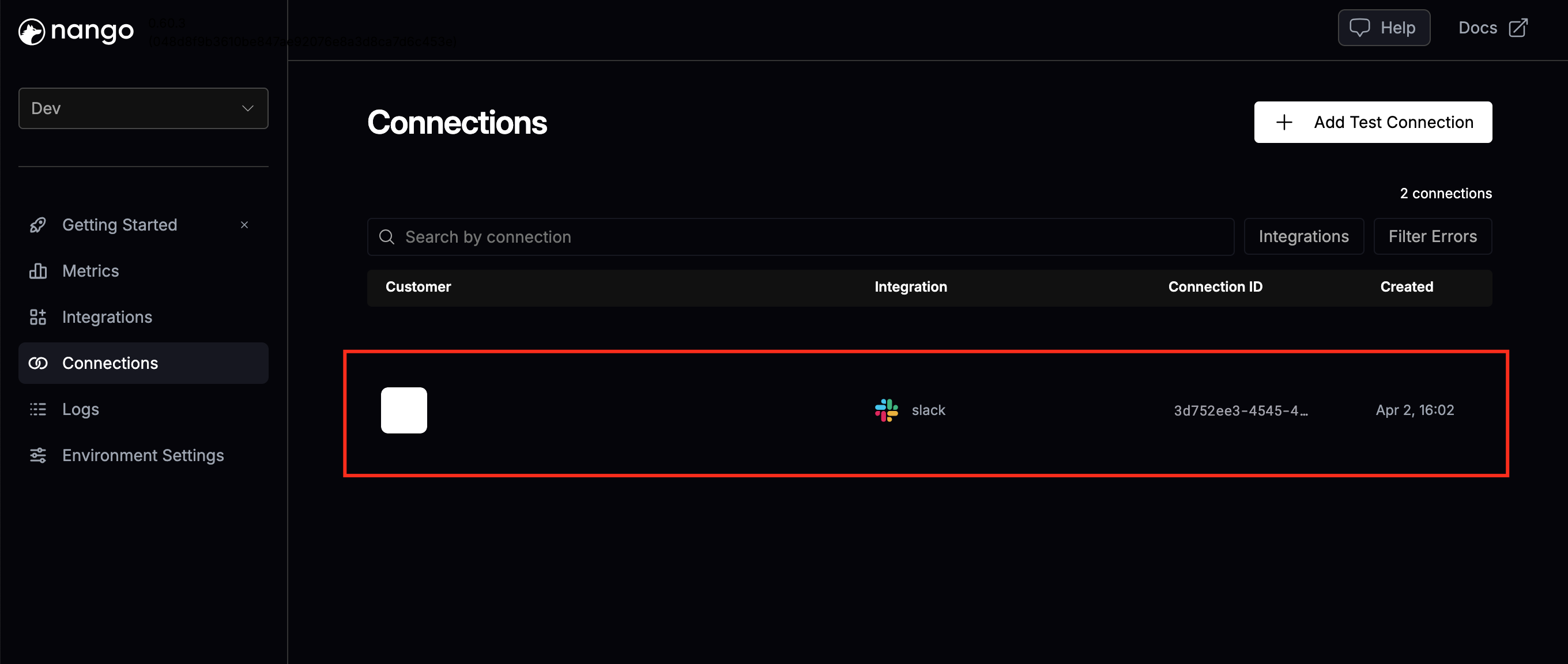
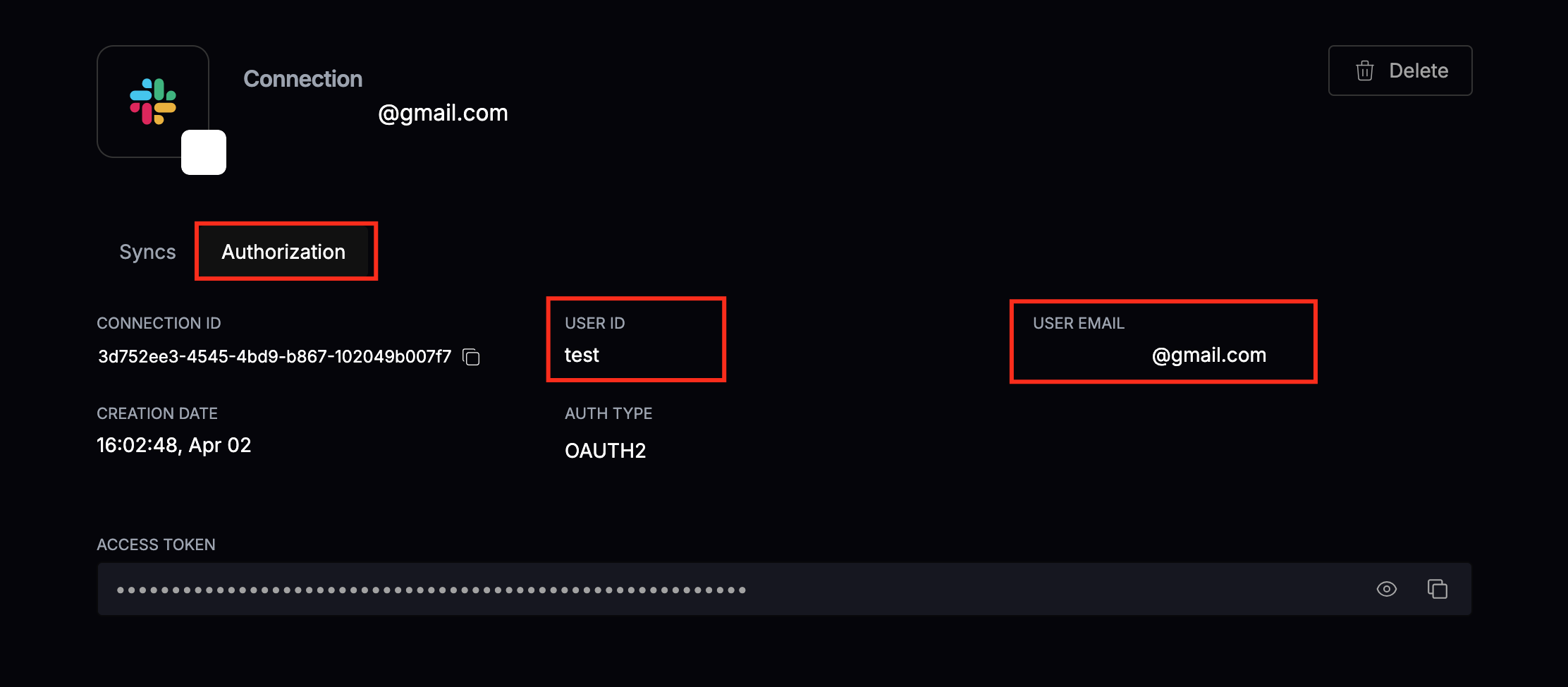
Step 4 - Connect Slack
Set up the Slack integration to receive notifications in your Slack workspace.
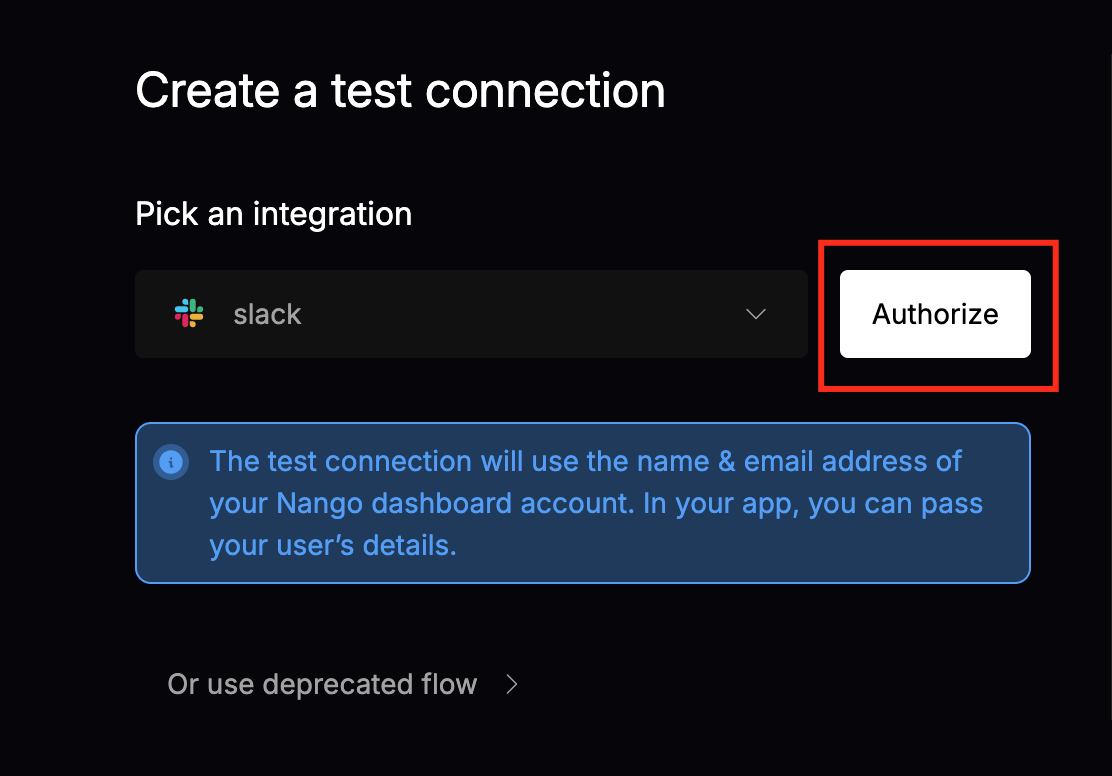
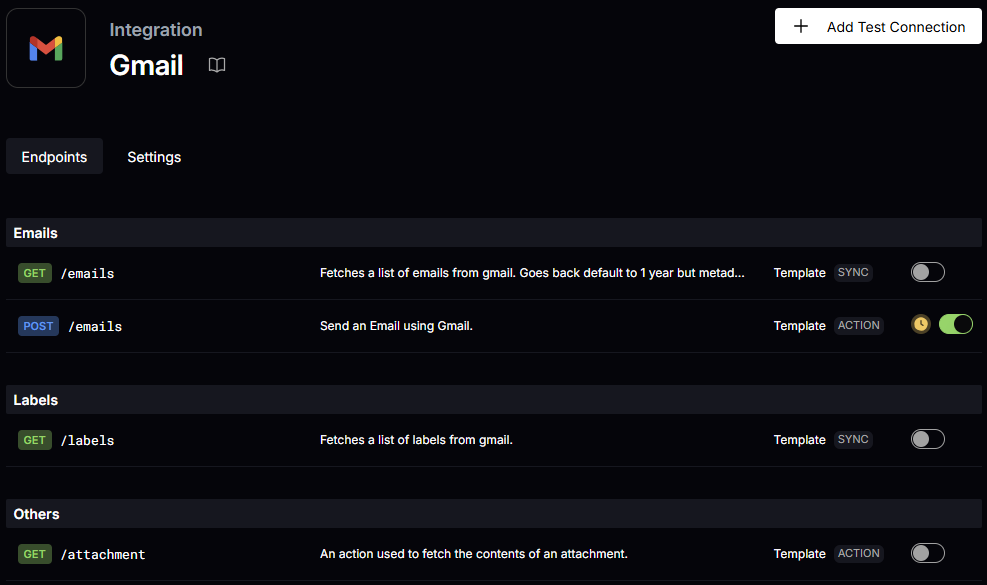
Step 5 - Connect Gmail
Set up the Gmail integration to send email notifications.
Step 6 - Configure Notifications
Choose which events trigger notifications and to which channels they are sent.
Step 7 - Test Integration
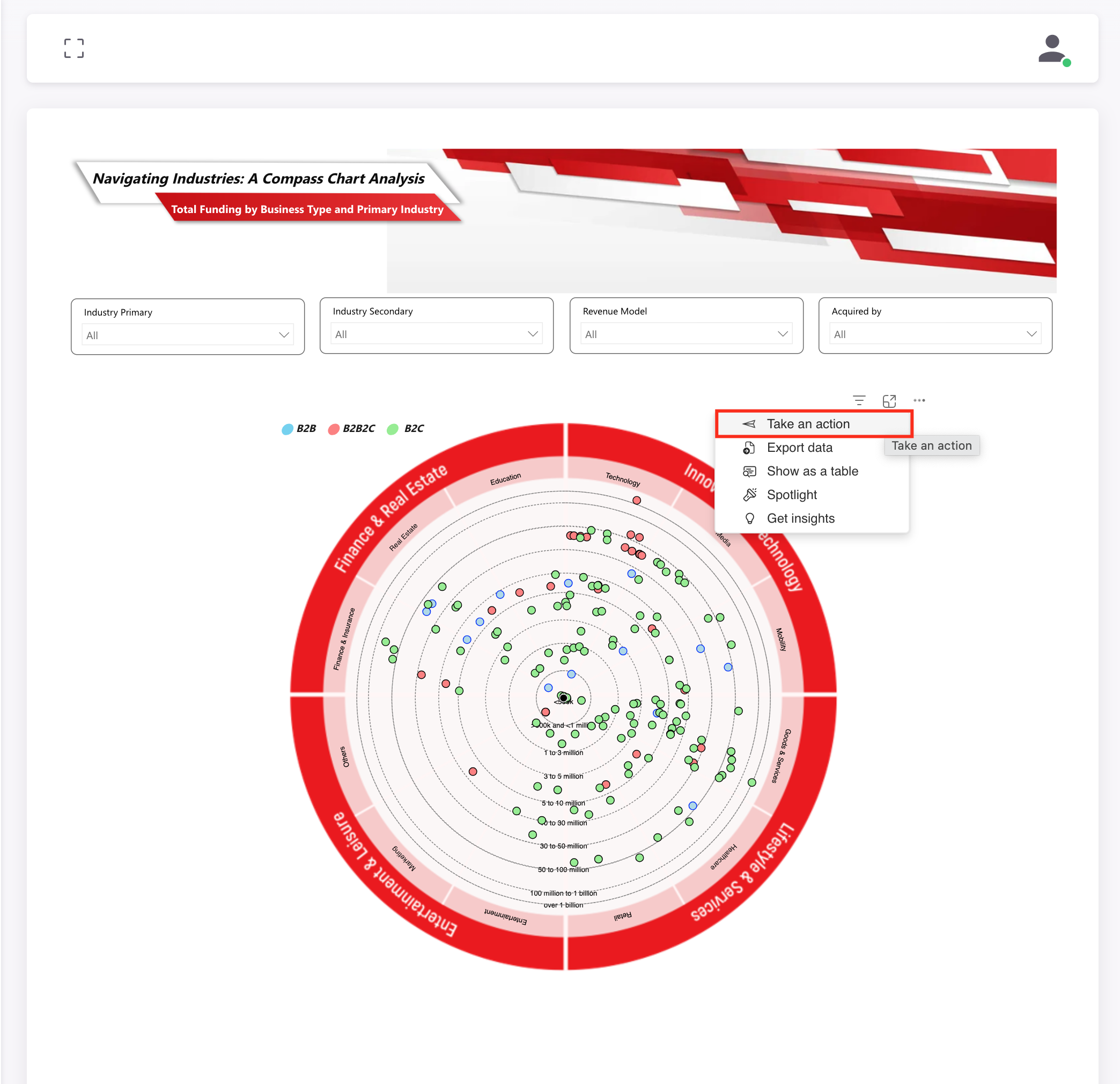
Send a test notification to verify the integration is working correctly.