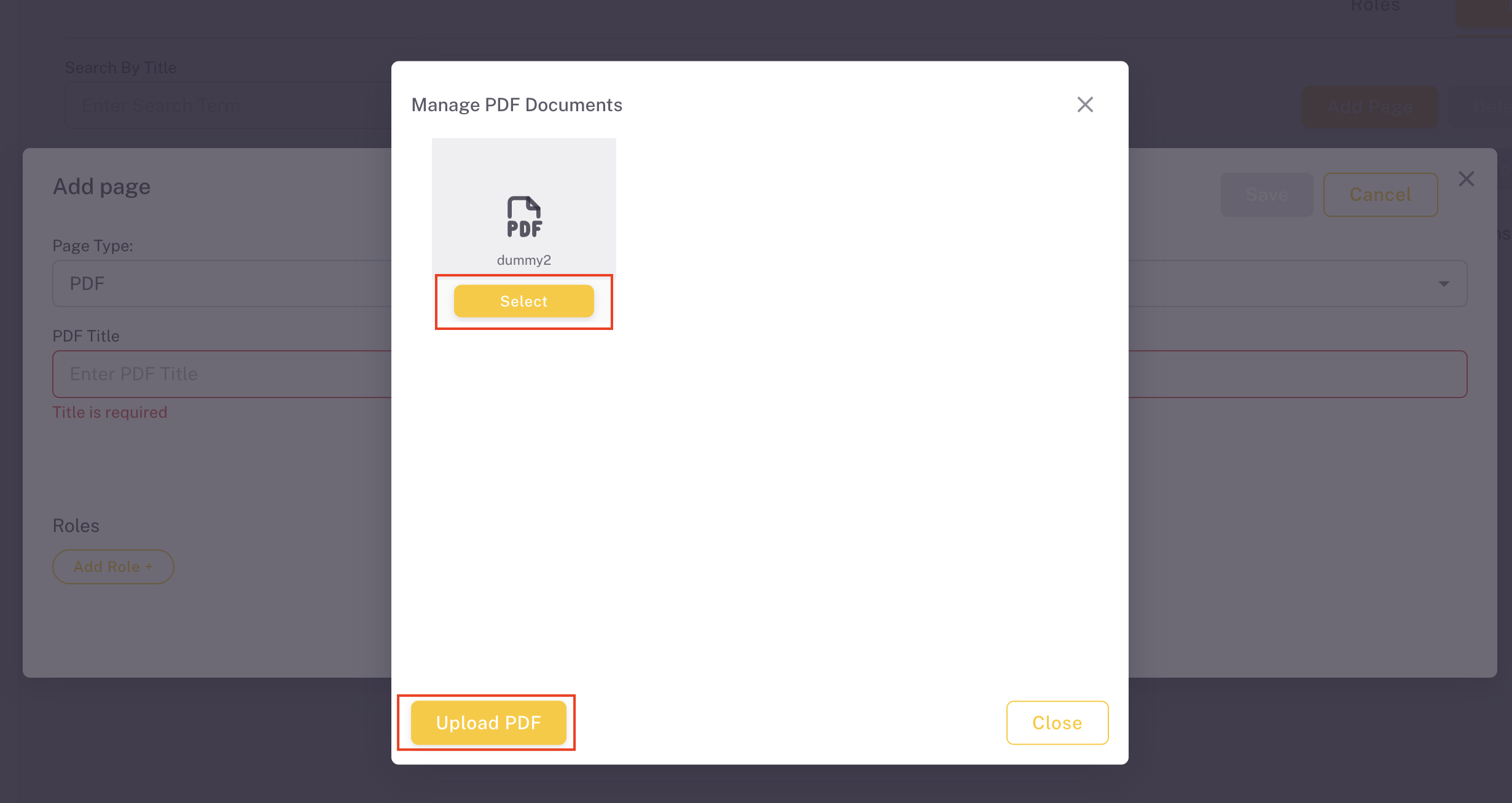
Add PDF
Embed PDF documents as pages in the ProConomics Portal.
Step 1
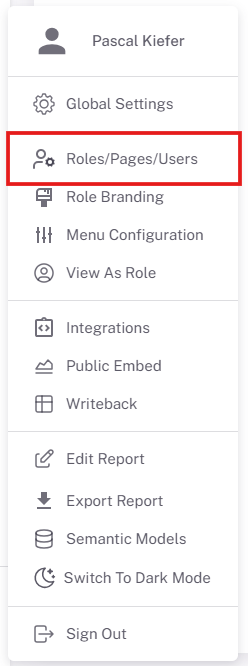
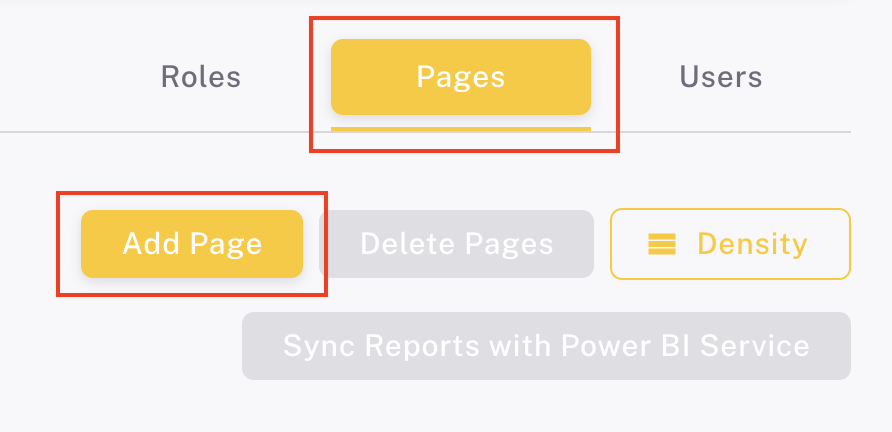
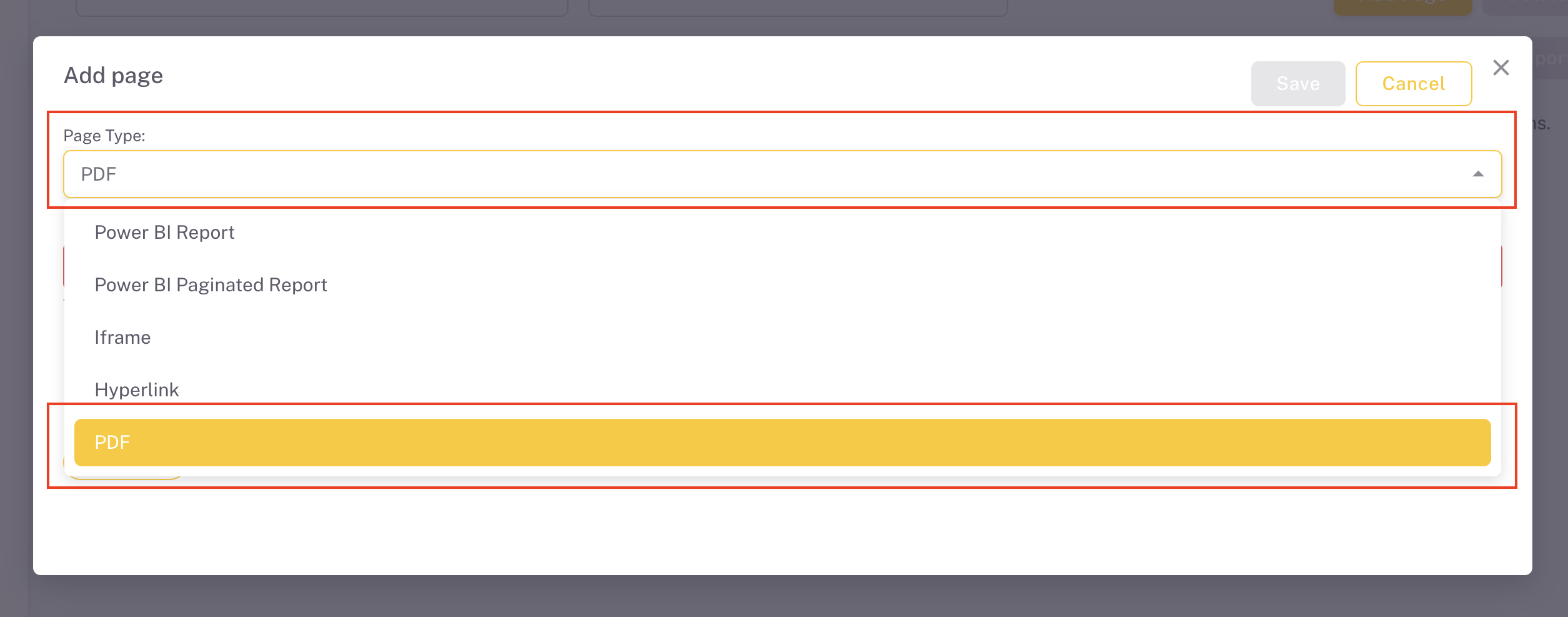
Navigate to the Pages section in the admin panel and click "Add PDF".
Step 2
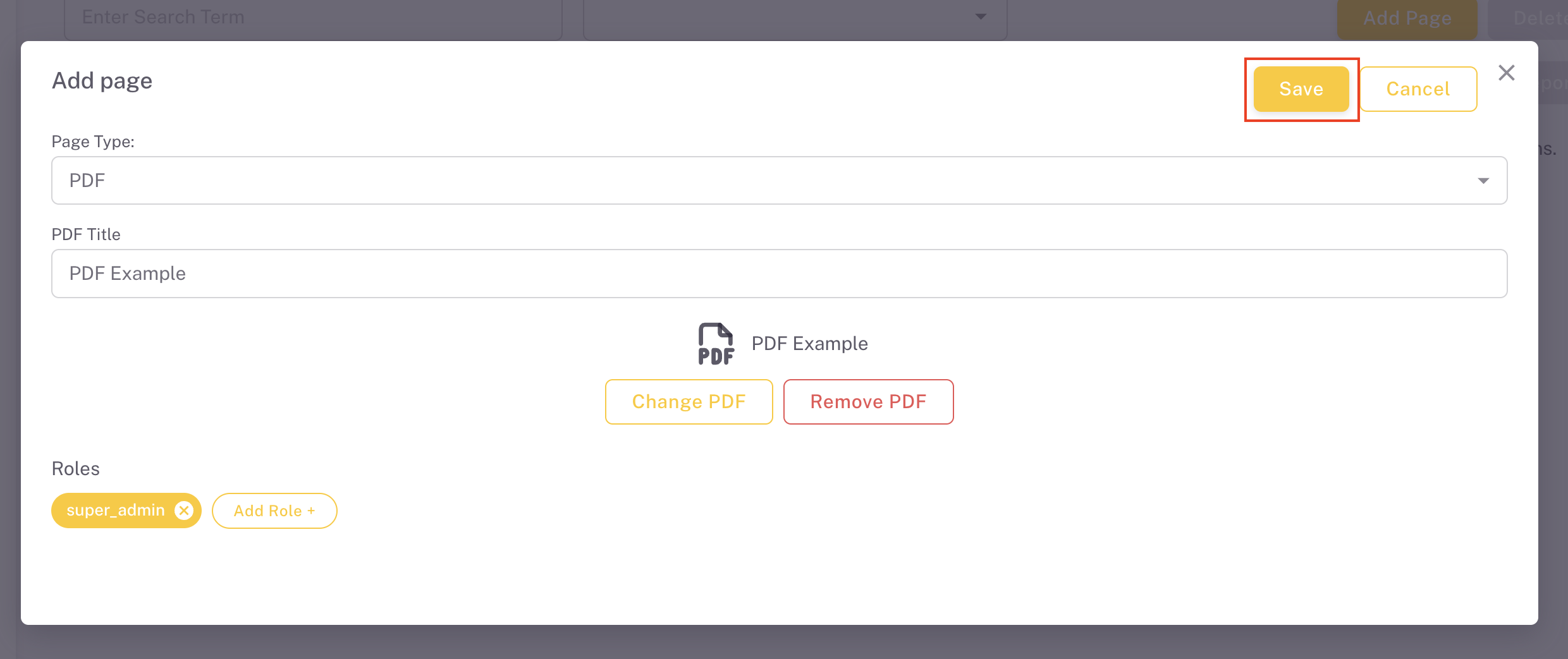
Enter a display name for the PDF page.
Step 3
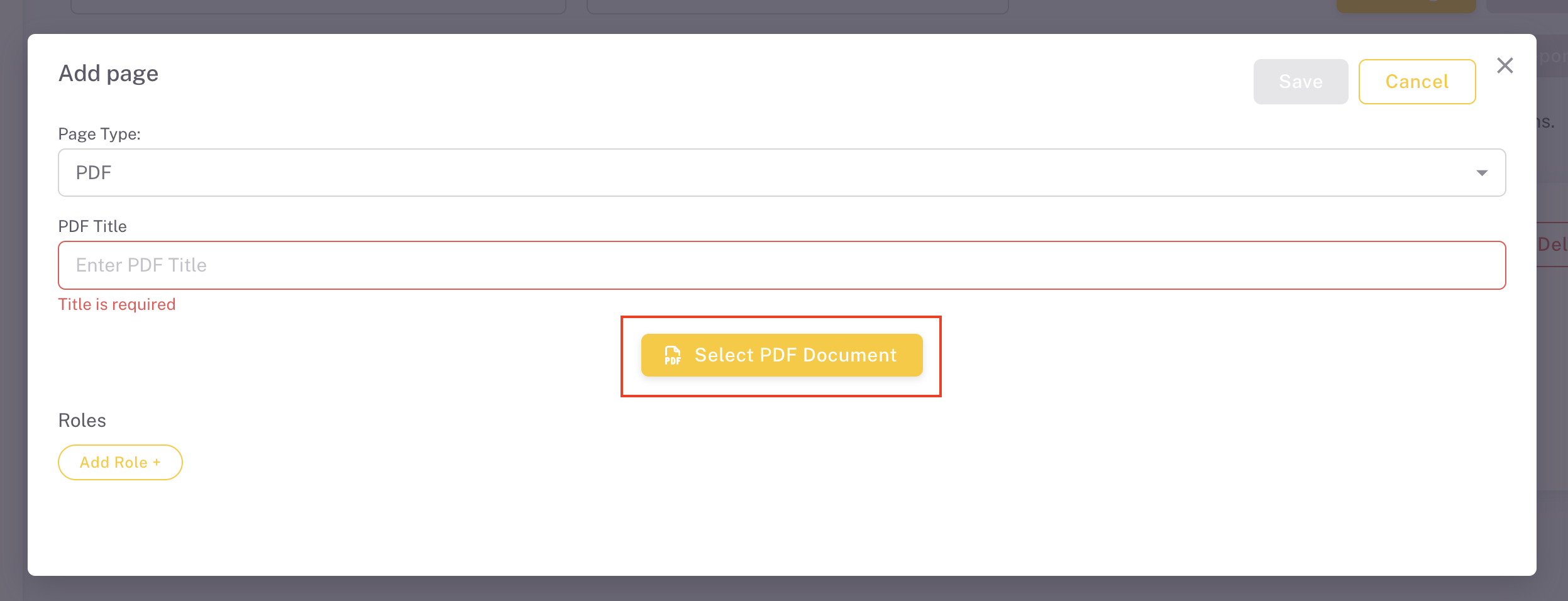
Upload your PDF file.
Step 4
The PDF page will now appear in the pages list.
Step 5
Assign the PDF page to the appropriate roles so users can access it.
Step 6
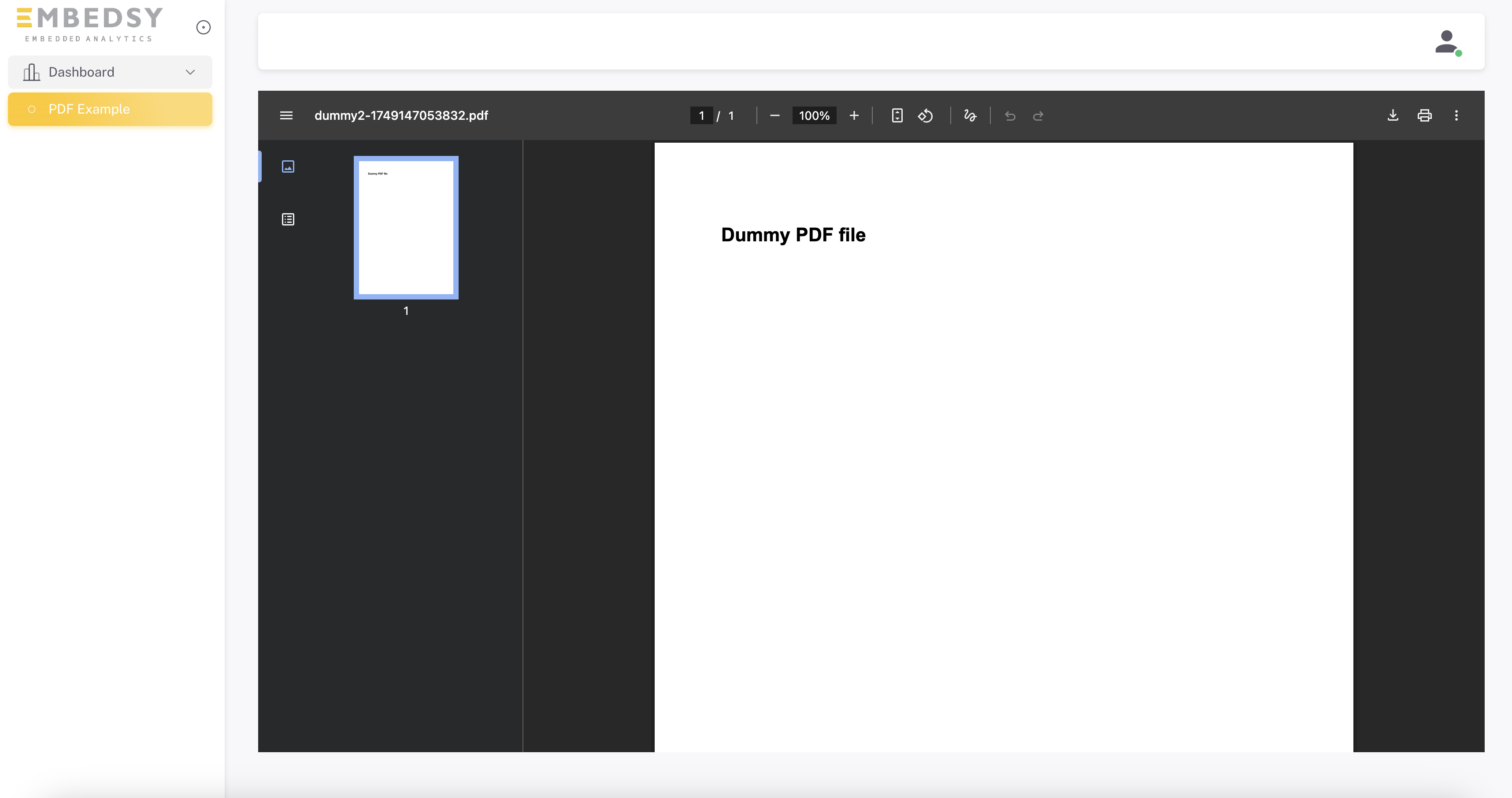
The PDF will be embedded and viewable directly in the portal.