Paginated Report
Embed paginated reports in the ProConomics Portal.
Paginated reports can be embedded in the ProConomics Portal just like regular Power BI reports. Follow these steps to add a paginated report.
Step 1
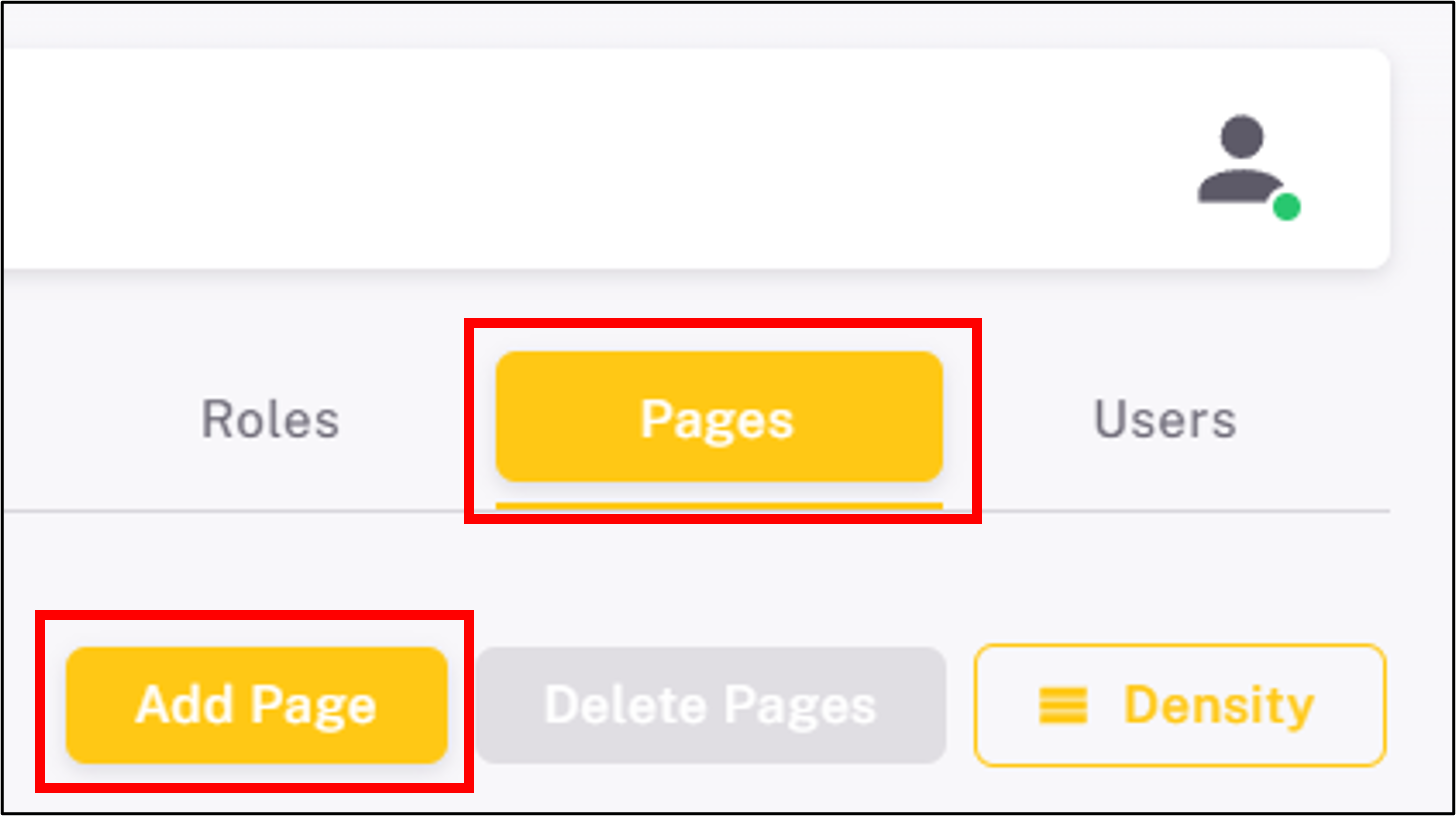
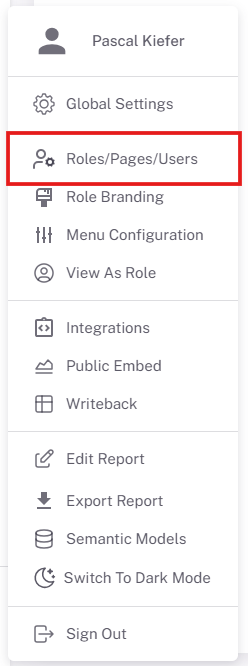
Navigate to the Pages section and click "Add Paginated Report".
Step 2
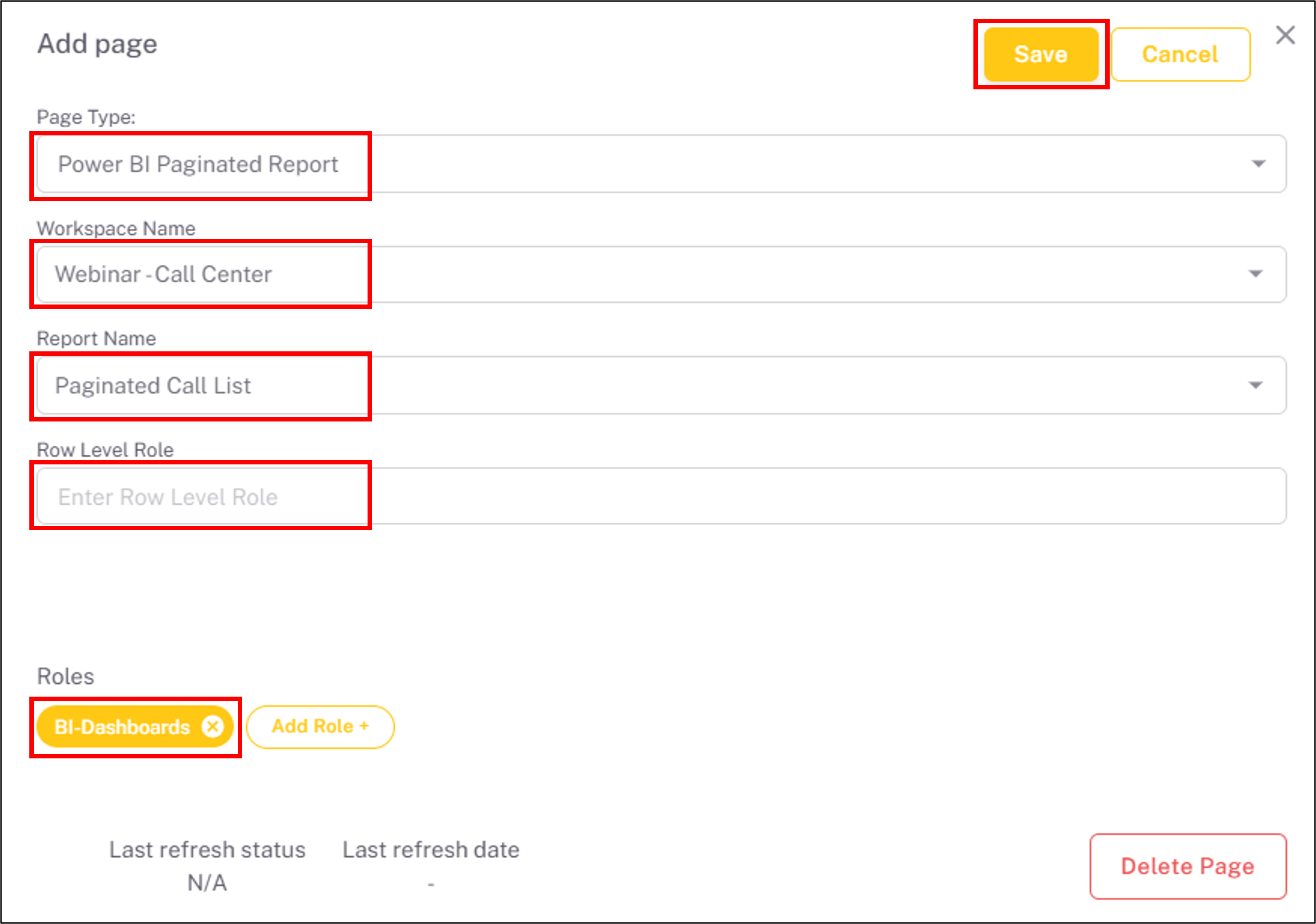
Enter the report name and select the paginated report from your workspace.
Step 3
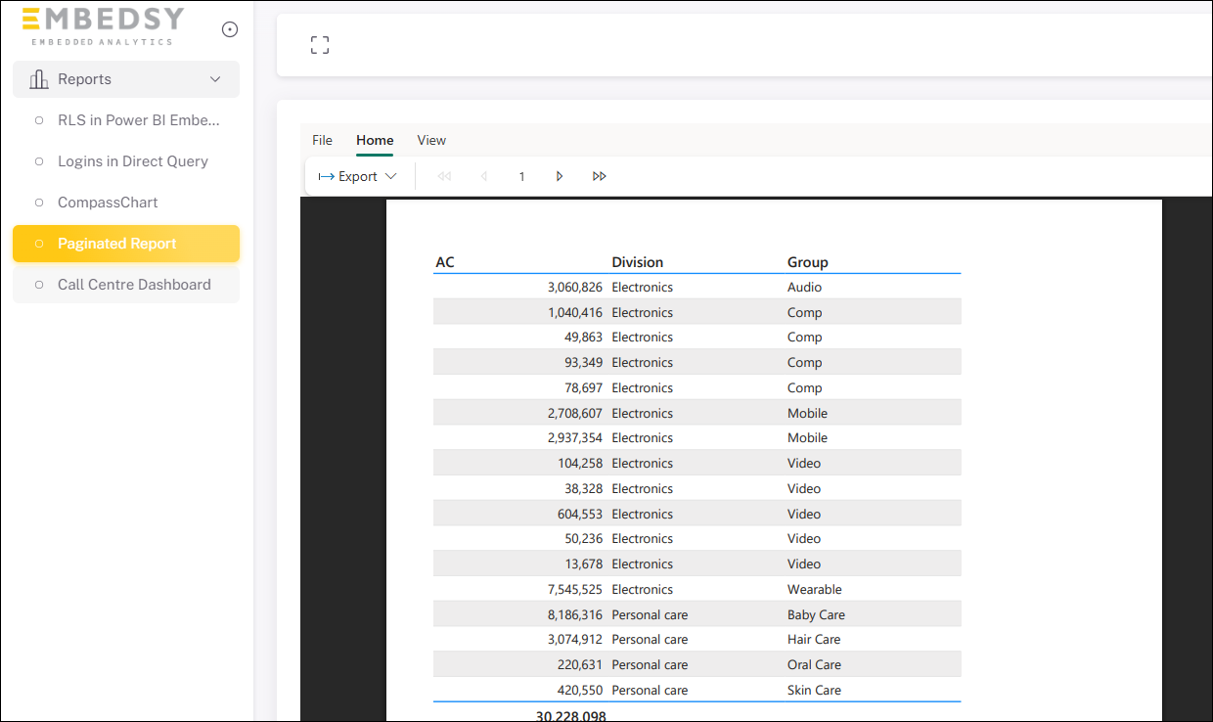
The paginated report is now embedded and accessible in the portal menu.