Export
Export reports to PDF, PowerPoint, or PNG from the ProConomics Portal.
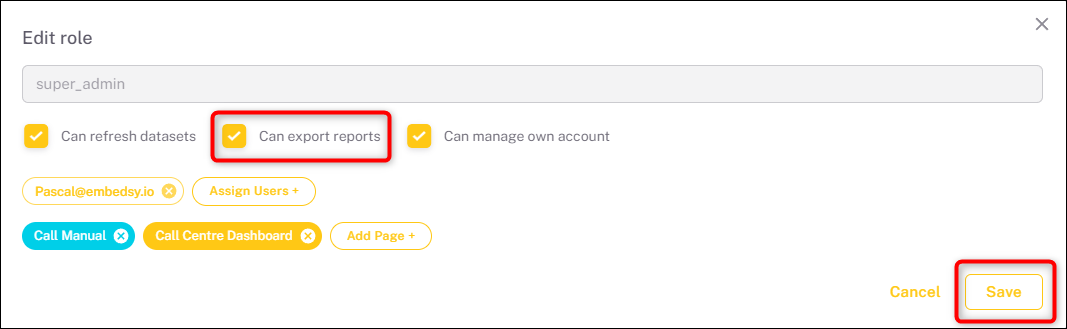
Users can export reports directly from the ProConomics Portal. The export feature supports PDF, PowerPoint, and PNG formats. Export permissions can be configured per role.
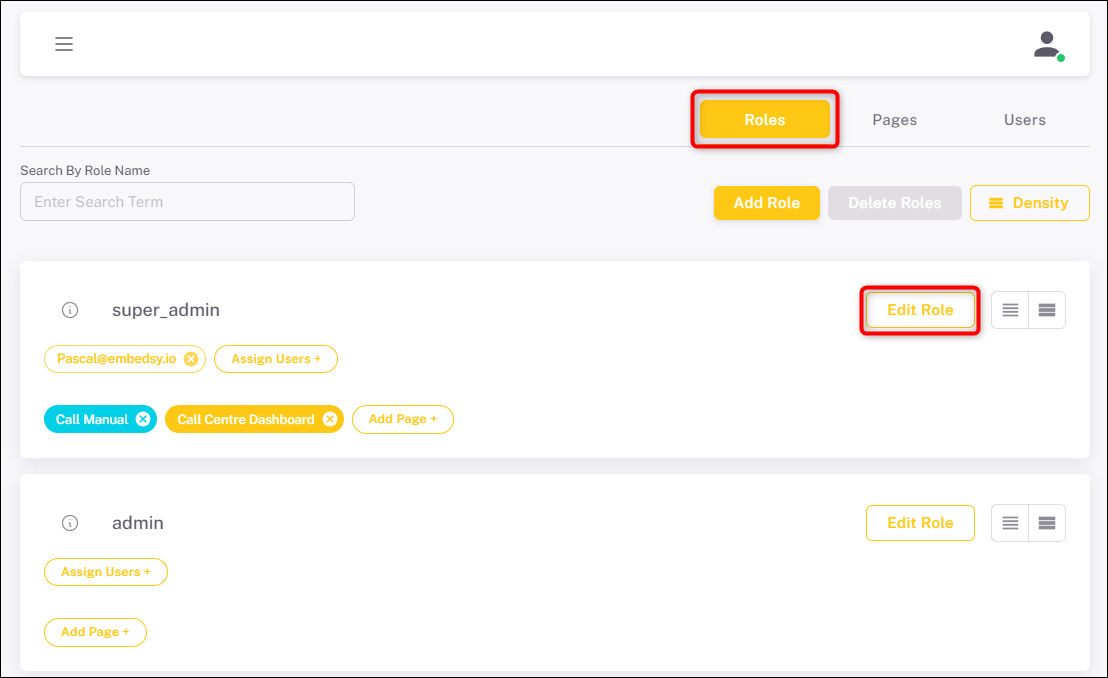
Enable Export for a Role
Navigate to the Roles section and enable the export option for the desired role.
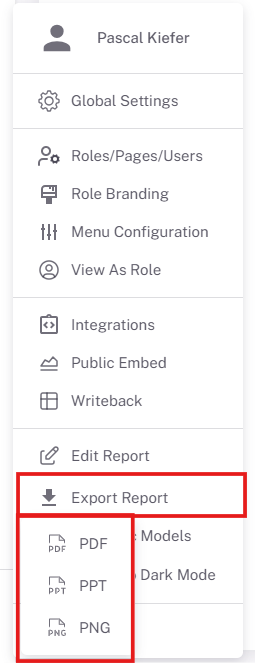
Export Options
Choose the export format: PDF, PowerPoint, or PNG.
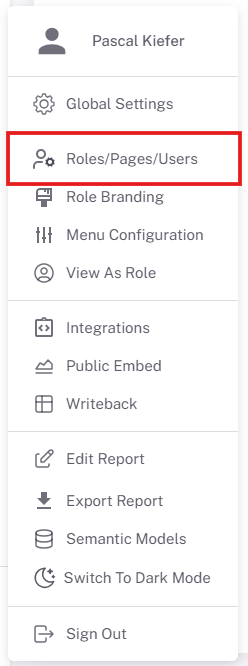
Exporting a Report
Click the export button on any report page to start the export process.