Full Screen Mode
View your reports in full screen mode for a distraction-free experience.
Press the full screen icon in the top-left corner of the report to enter full screen mode. This removes the sidebar and header, giving you a clean view of your report.
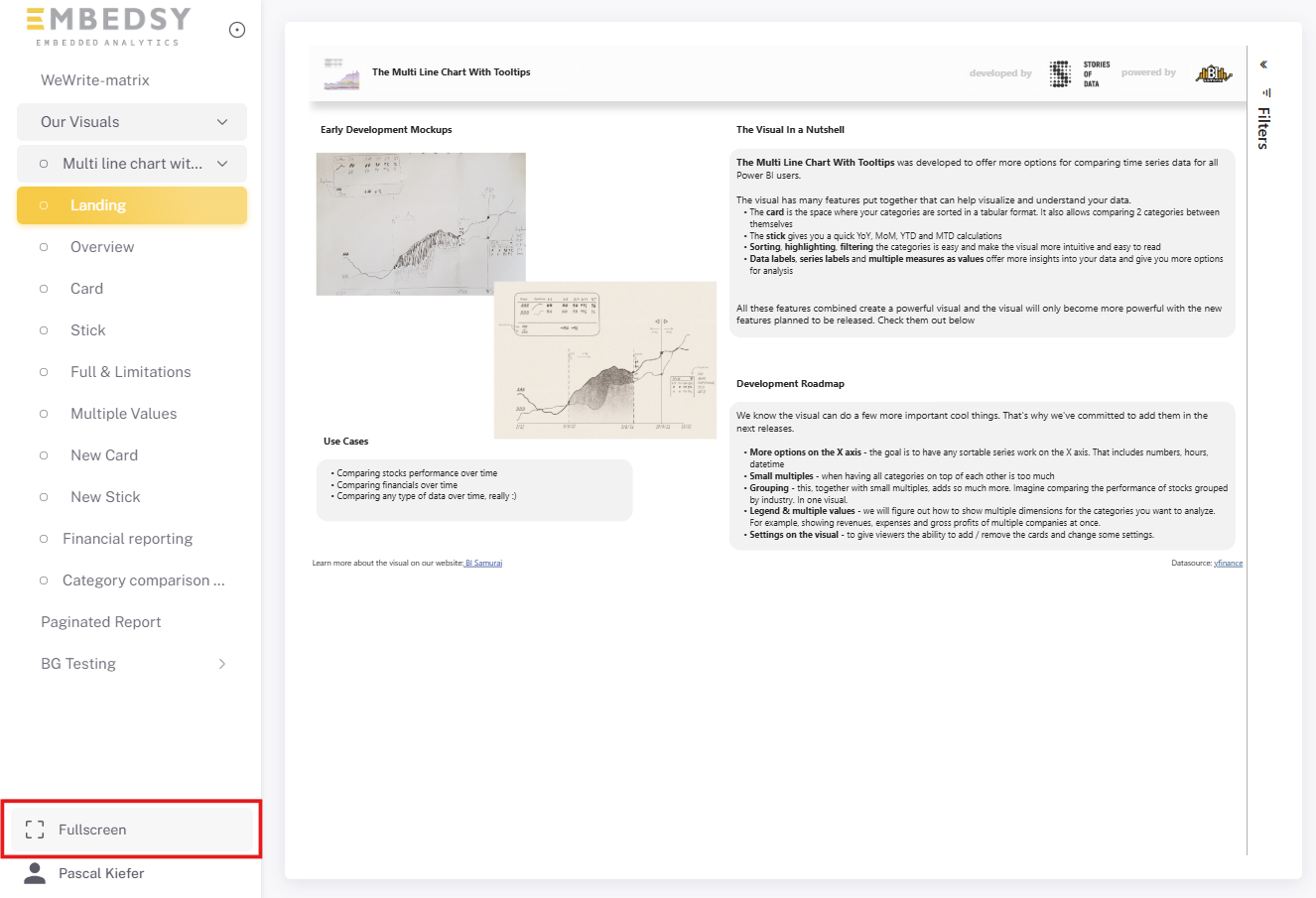
To exit full screen mode, press ESC on your keyboard.
While in full screen mode, you can use the native Power BI page navigation to switch between pages in your report.
