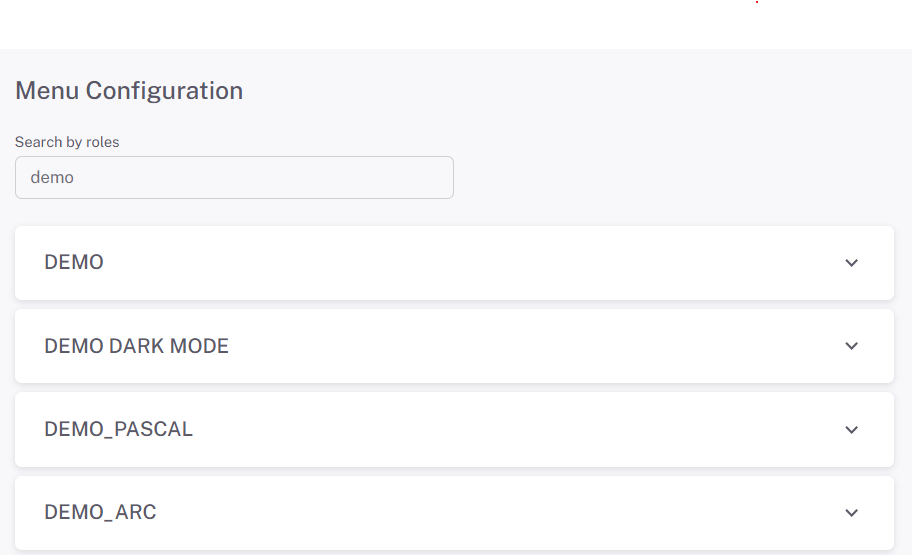
Menu Configuration
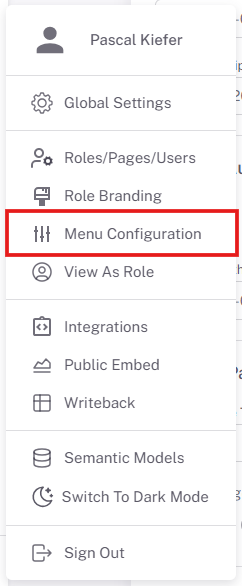
Configure the menu structure, sort order, groups, and default page in the ProConomics Portal.
Sort Order
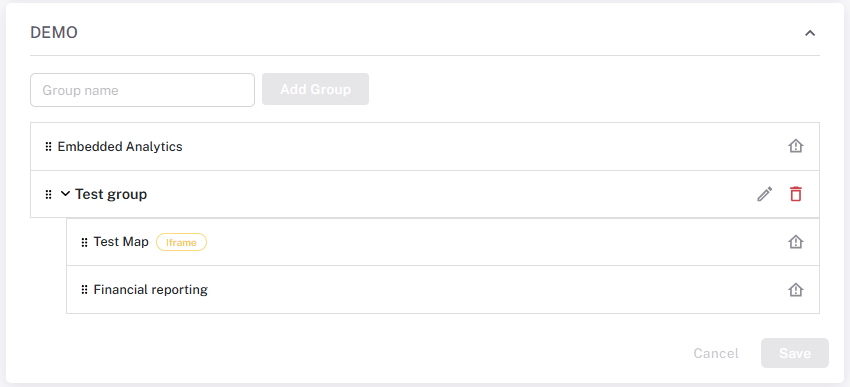
You can change the sort order of pages in the menu by dragging and dropping them into the desired position.
Groups
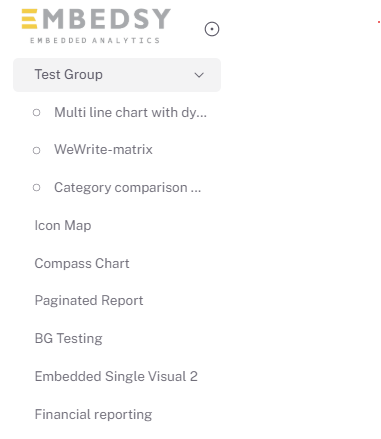
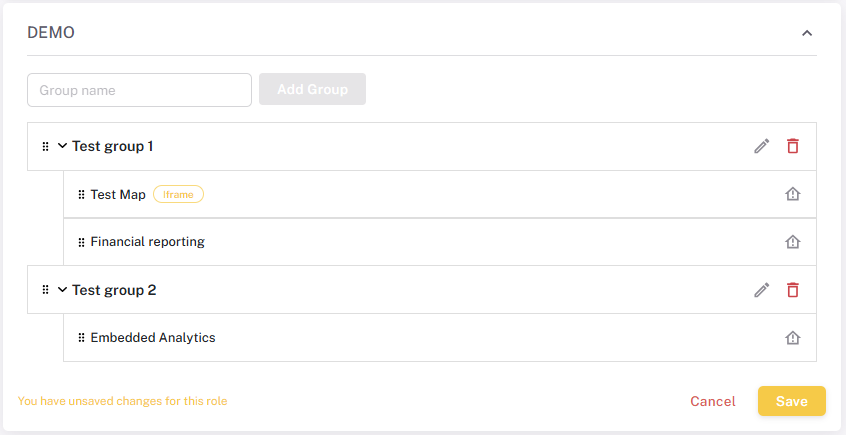
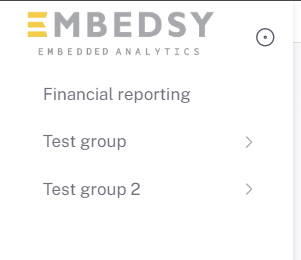
Organize your pages into groups for better navigation. Create a new group and assign pages to it.
Default Page
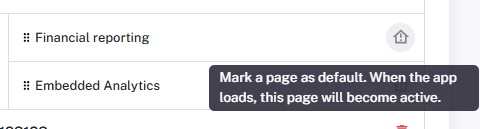
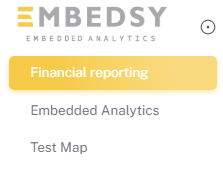
Set a default page that users see when they first log in to the portal.