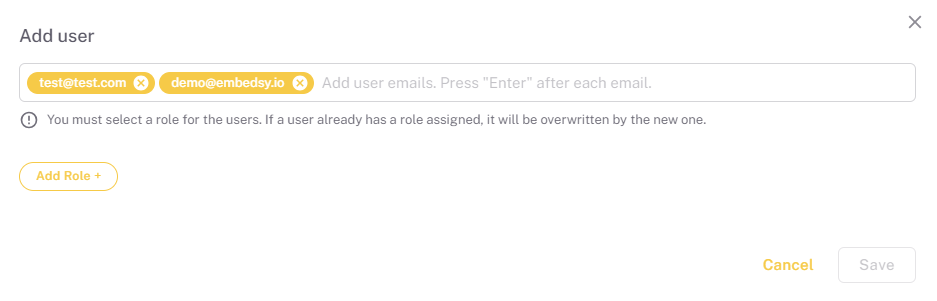
Pages/Roles/Users
How to configure Roles, Pages and Users in the ProConomics Portal.
Roles Configuration
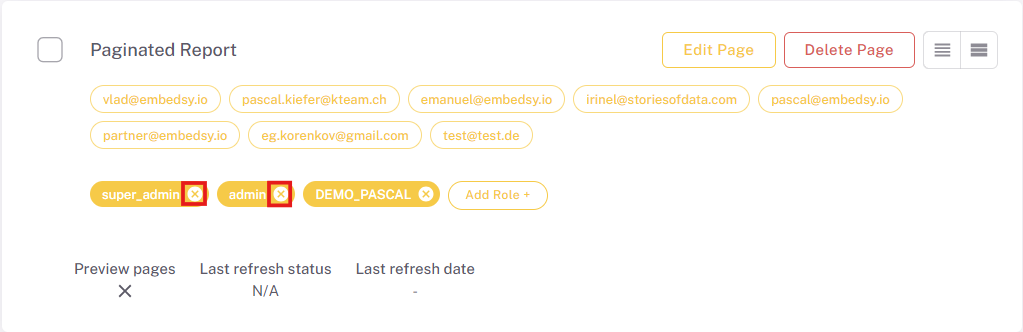
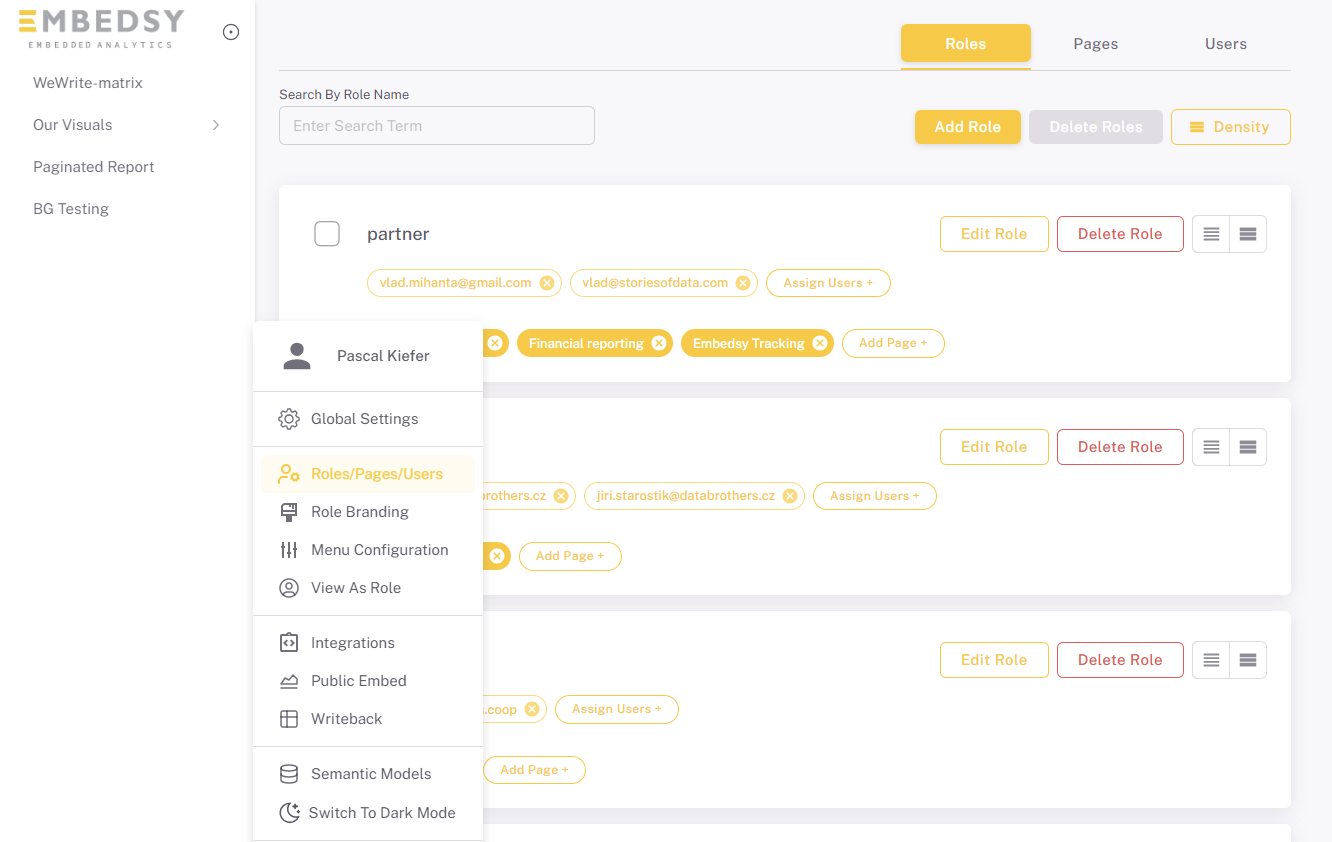
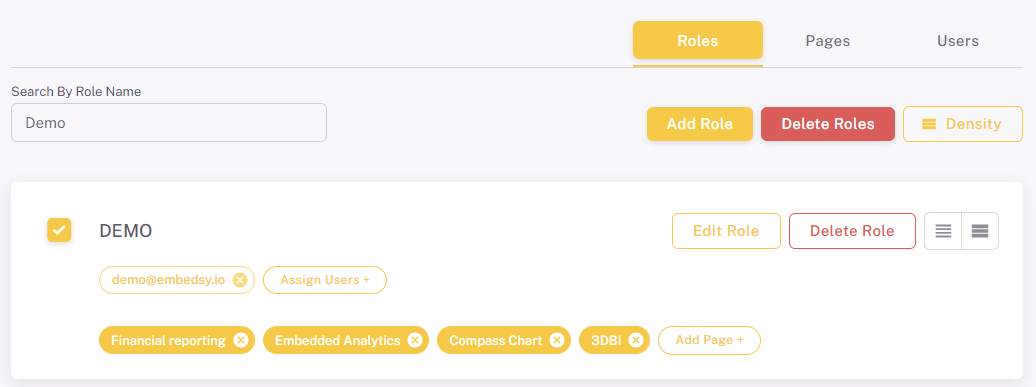
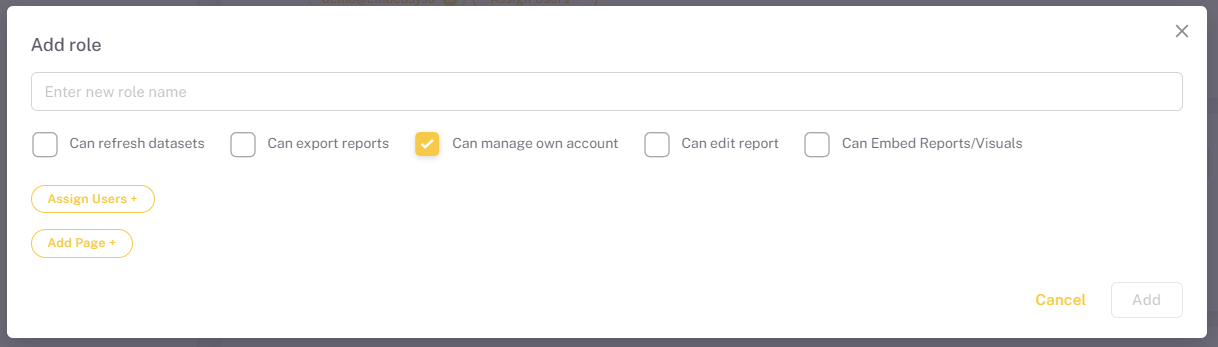
The ProConomics Portal supports role-based access control. You can create different roles and assign specific pages and permissions to each role. Navigate to the Roles/Pages/Users page to manage roles.
Pages Configuration
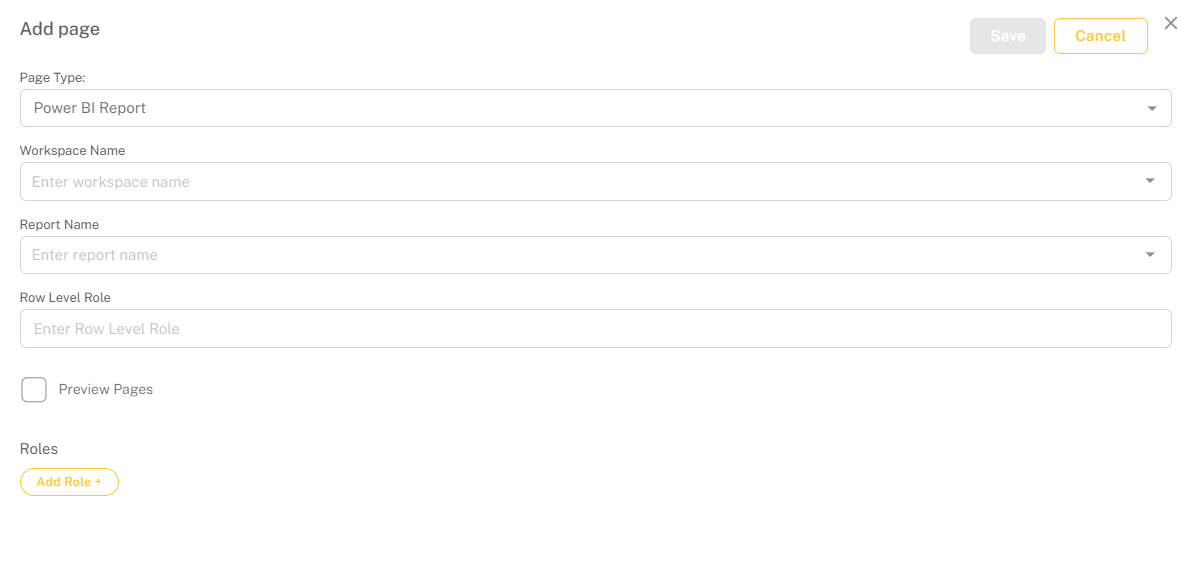
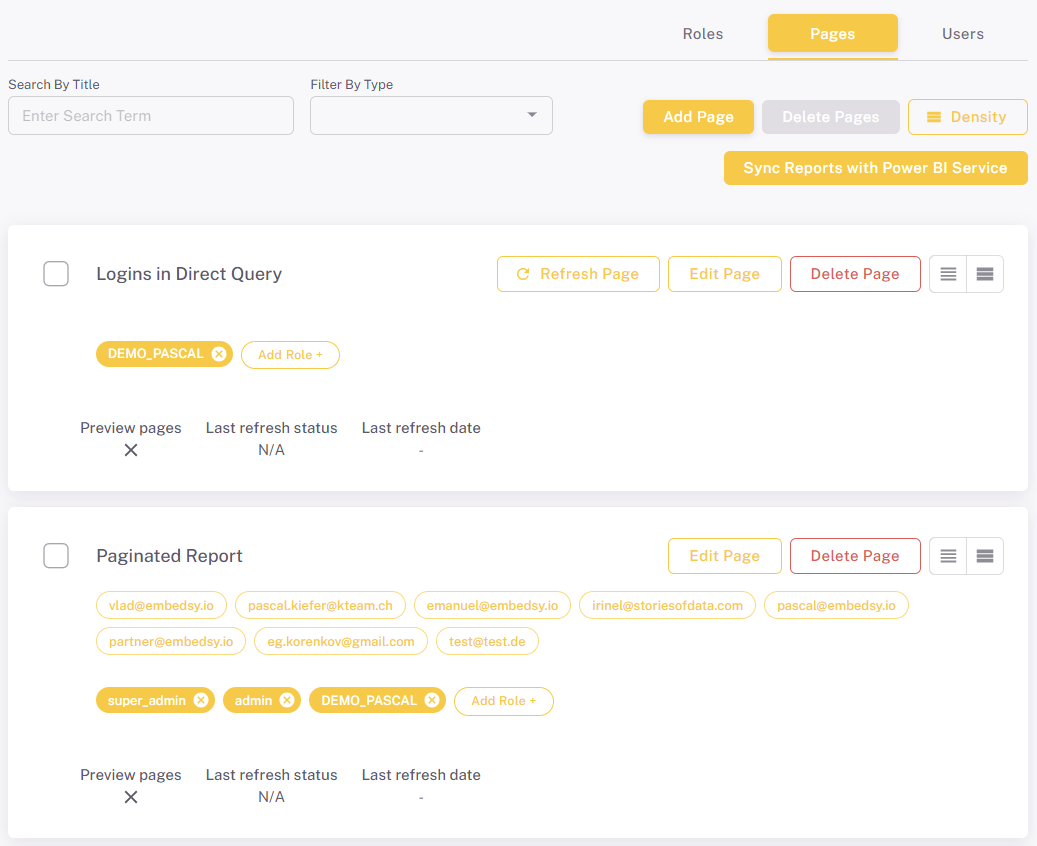
Pages define what content is shown in the navigation menu for each role. You can add different types of pages:
- Power BI Report
- Power BI Paginated Report
- Iframe / Website
- Hyperlink
Users Configuration
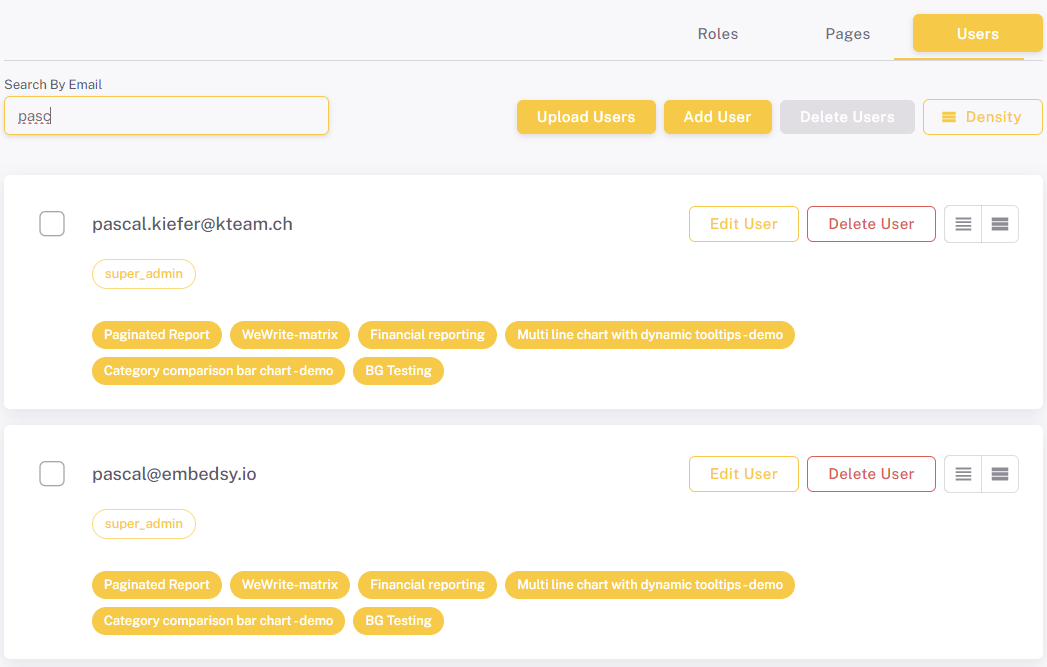
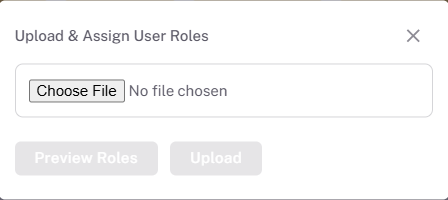
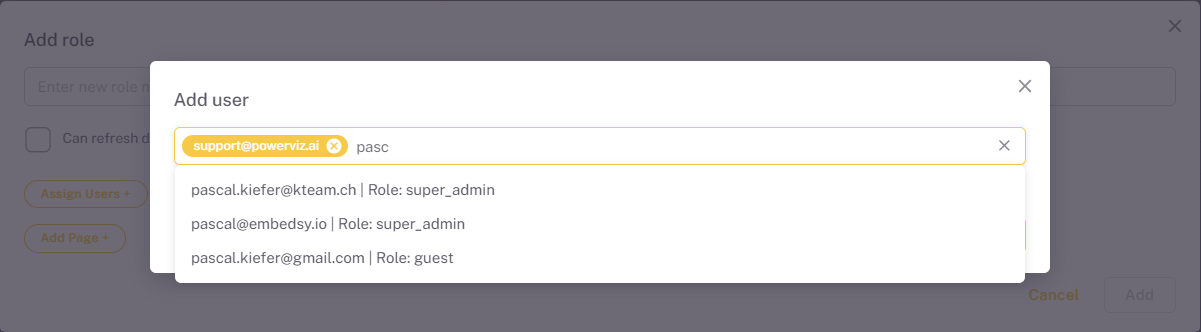
You can manage users and assign them to roles. There are two ways to add users:
- Upload a CSV file with user details
- Enter email addresses manually