Update Client Secret
How to add the Client ID and Client Secret to the ProConomics Portal.
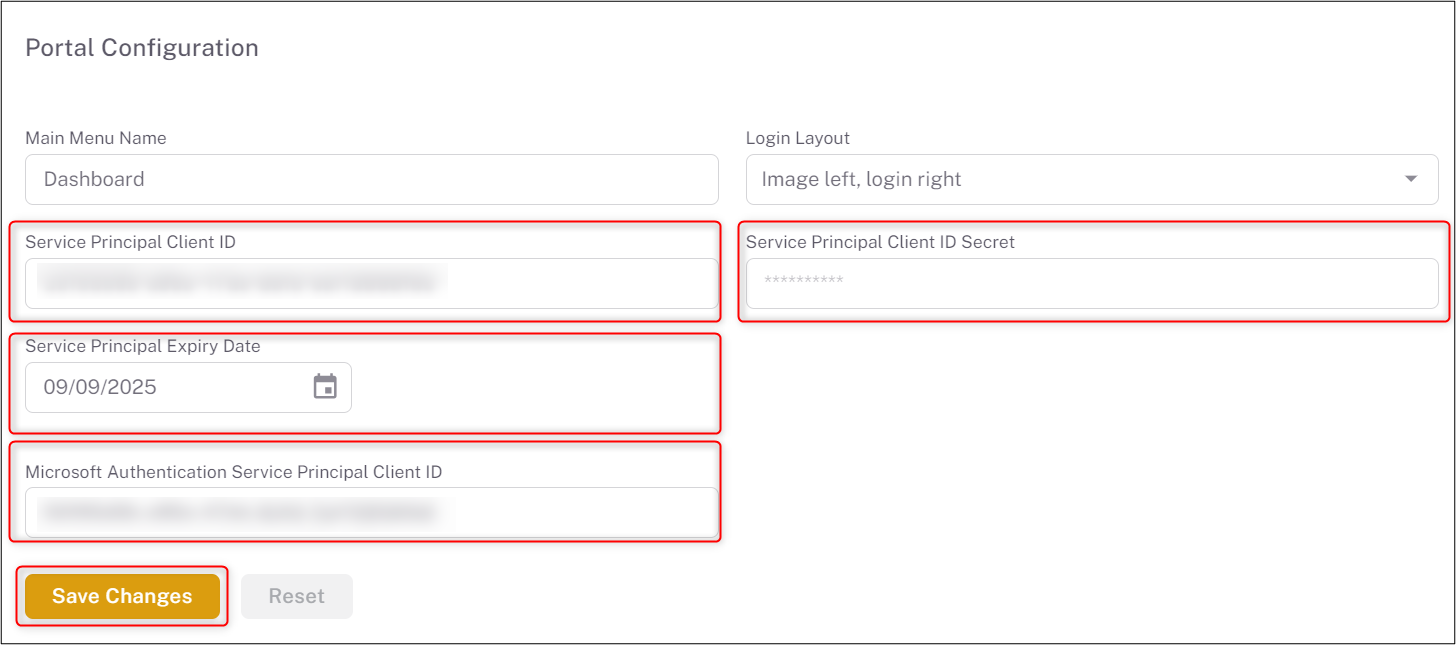
After creating the Service Principal and obtaining the Client ID and Client Secret, you need to add these values to the ProConomics Portal settings.
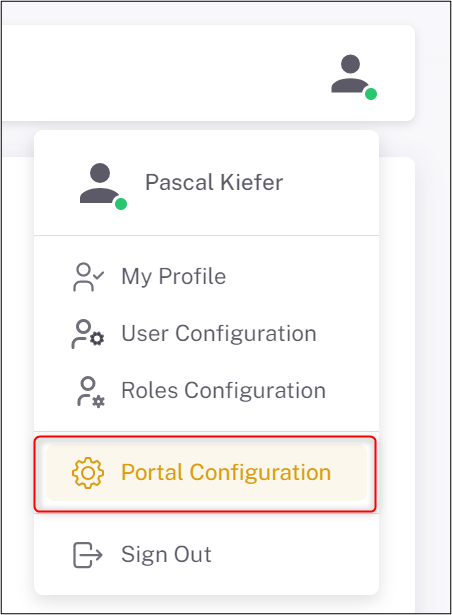
Navigate to the ProConomics Portal configuration page and enter the Client ID.
Enter the Client Secret and save the configuration.