Microsoft Login Issues
Troubleshoot common Microsoft login errors.
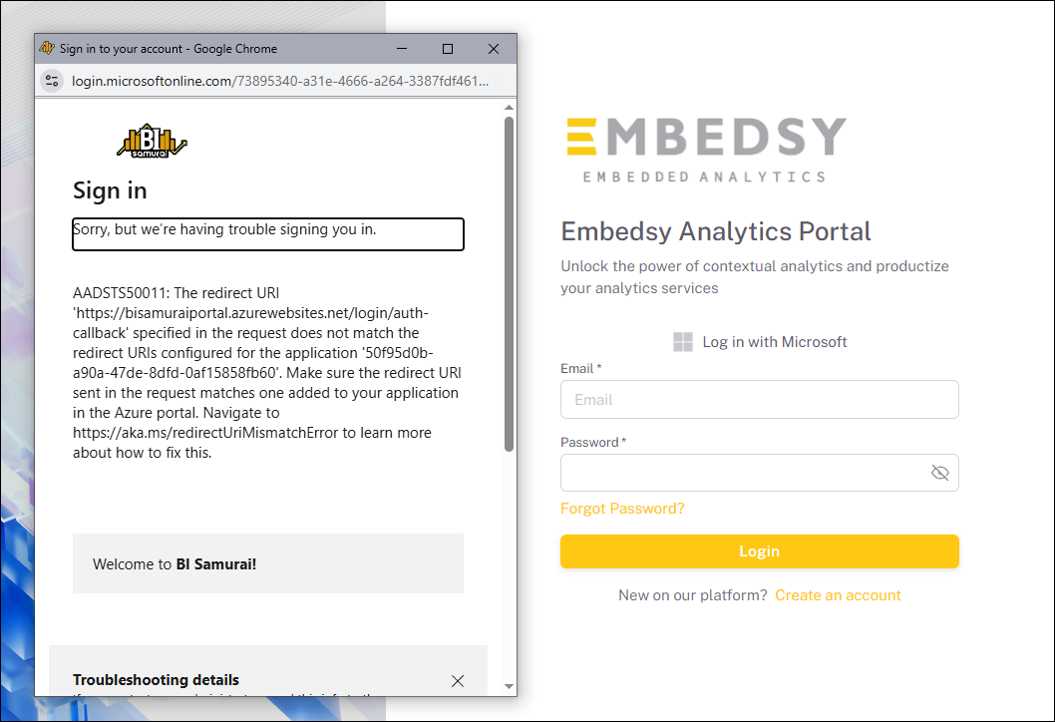
Error 1: Redirect URI Mismatch
The reply URL specified in the request does not match the reply URLs configured for the application.
Solution
Go to the Azure Portal → Microsoft Entra ID → App registrations → Your app → Authentication. Add the correct redirect URI for your ProConomics Portal. The redirect URI should be your portal URL followed by /api/auth/callback/azure-ad.
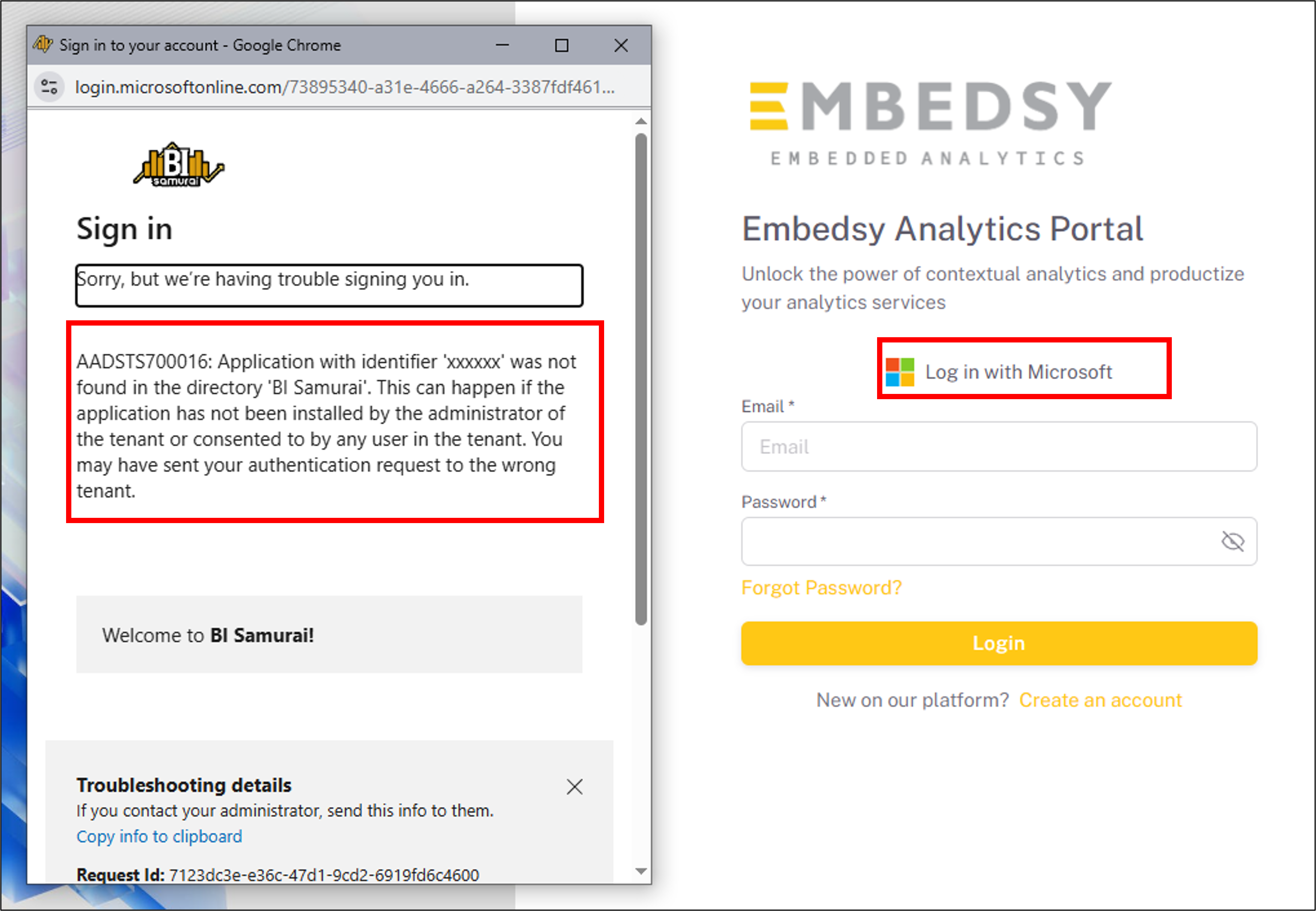
Error 2: Application Not Found
The application was not found in the directory. This can happen if the application has not been installed by the administrator of the tenant or consented to by any user in the tenant.
Solution
Verify that the Application (client) ID in your ProConomics Portal settings matches the app registration in Microsoft Entra ID. If the app registration was deleted, you will need to create a new one and update the configuration.